“SEO content” has a bad reputation because for years it meant writing for a search box: a keyword, a word count, a few headings, done. Google’s documentation describes something different: content made for people that is also easy for search engines to find, understand and present. This guide covers how to write that, from the page-level basics Google documents to the judgment calls that are mine.
“
Good SEO content is just a good answer with good packaging. The packaging is the easy part, which is why most of the effort should go into the answer.
— Mateusz Maslon, SEO/GEO Specialist 🎯
LinkedIn ↗
Quick Answer: What Is SEO Content?
SEO content is content created primarily for people that is structured so search engines can find, understand and show it. Google describes people-first content as content made to help people, not to manipulate rankings. In practice that means answering the real question, adding something original, making authorship clear, and getting the title, description, headings and images right.
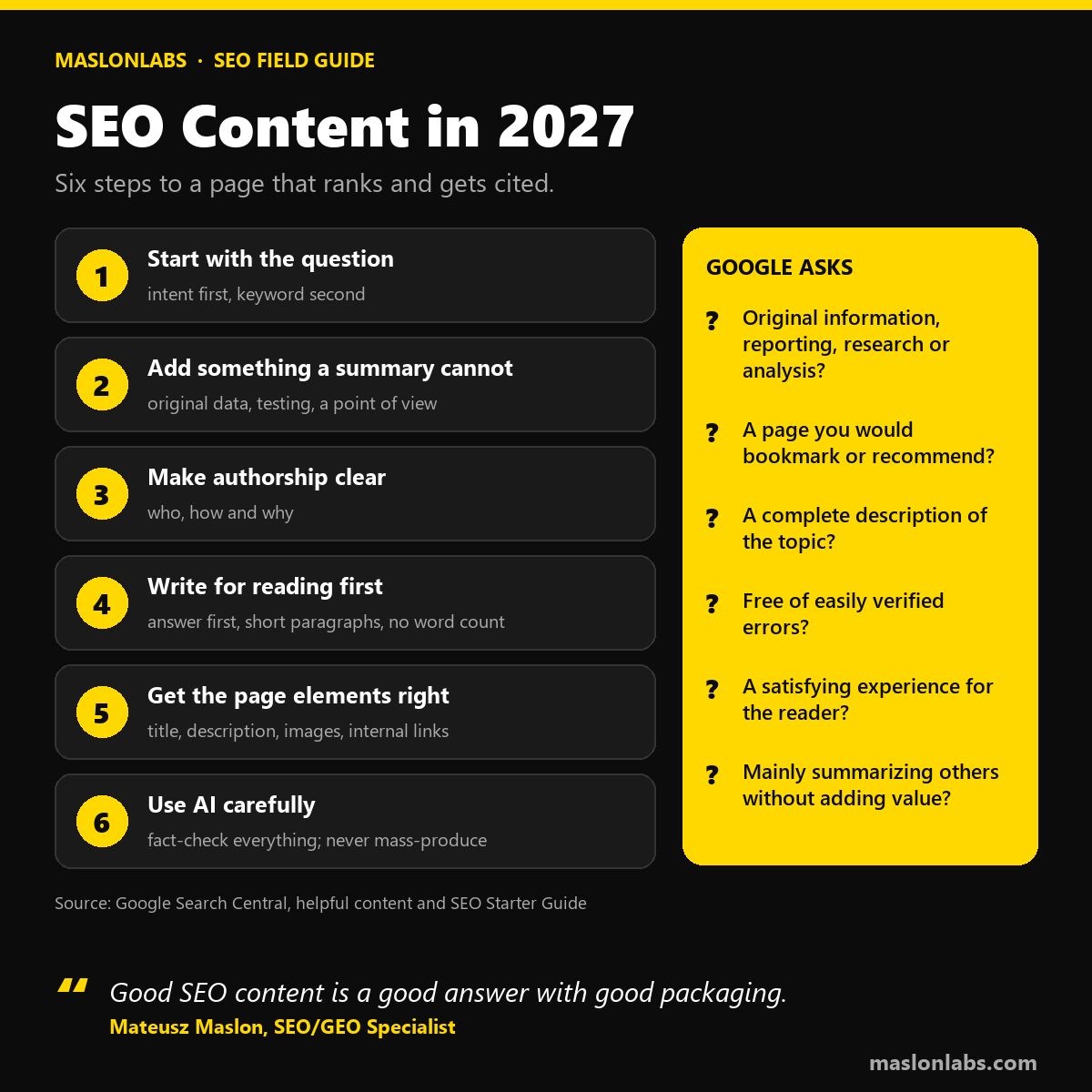
Step 1: Start With the Question, Not the Keyword
A keyword tells you what people type. Intent tells you what they want: to learn, compare or do something. Before writing, look at what already ranks for the query and ask what is missing. Google advises anticipating varied search terms (“charcuterie” versus “cheese board”), and its AI features may use query fan-out, running several related searches across subtopics. A page that covers the next three questions a reader would ask has more ways to be chosen than one that answers a single phrase.
Keyword research is how you choose topics, not how you write them. Take a freelance accountant’s website. “Accountant” is a hopeless target against national directories and big firms. “How do I register as self-employed” is a specific question with a clear intent, and a page that answers it with real steps and examples can beat generic results. Choosing the question you can answer better than what already ranks is part of the content work. For how topics fit into a wider structure, see SEO Foundations in 2027.
Step 2: Add Something a Summary Cannot
Google’s helpful-content self-assessment asks, among other things, whether the content provides original information, reporting, research or analysis, and whether you are mainly summarizing what others say without adding much value. That second question is the one that matters in an era of AI summaries. If a model can produce your page from other pages, there is little reason to click it. Original data, first-hand testing, screenshots, a tool, or a clear expert point of view are what remain. Our analysis in Is SEO Dead? shows what the click data says.
“
Before I write, I ask what I know that the top ten results do not. If the answer is nothing, I do not publish. I find the angle or I pick another topic.
— Mateusz Maslon, SEO/GEO Specialist 🎯
LinkedIn ↗
Step 3: Make Authorship and Method Clear
Google frames content quality with three questions:
- Who created it? Authorship should be self-evident to visitors, and fabricated author profiles are deceptive.
- How was it created? If automation or AI was used, explaining why it was useful is encouraged.
- Why does it exist? To help visitors, not mainly to attract search traffic.
E-E-A-T — experience, expertise, authoritativeness and trustworthiness — is the framework behind these questions. Google says trust is the most important of the four and that E-E-A-T is not a single ranking factor.
Step 4: Write for Reading First
- Lead with the answer. Put the direct answer in the first sentences; it serves readers and gives snippets and AI systems something to quote.
- Use headings and short paragraphs. Google recommends easy-to-read, well-organized content. It does not depend on strict heading order.
- Do not chase a word count. There is no minimum or maximum length. A page should be as long as the question requires.
- Keep it current. Titles with obsolete dates are among the reasons Google may rewrite a title link.
- Keep it accurate. Easily verified factual errors are on Google’s self-assessment list.
Step 5: Get the Page-Level Elements Right
Title
Every page needs a unique, descriptive <title>. Avoid keyword stuffing and identical boilerplate across pages, and add your brand concisely at the start or end. Google may rewrite titles that are half-empty, outdated, repeated across pages or that do not match the content, so a clear main heading helps.
Meta description
Make it unique and make it a summary, not a keyword list. Specifics such as a byline, date or price help searchers decide. Google uses the meta description only sometimes, when it describes the page better than the visible text, so the first lines of the page matter just as much.
To see how a title and description may look in the results before you publish, try our free SERP preview tool, which measures the title in pixels for desktop and mobile.
Images
Use sharp images placed near relevant text, embedded with <img> elements, with descriptive alt text and file names. Alt text is Google’s most important image metadata; stuffing it with keywords may cause a site to be seen as spam.
Internal links
Link related pages with descriptive anchor text so readers and crawlers can follow the topic. Links should be <a> elements with an href. The foundations hub SEO Foundations in 2027 is an example of the pattern: a hub that links down to detailed pages.
Step 6: Use AI Carefully
Google does not ban generative AI. Its documentation says AI can be useful for researching a topic and for adding structure to original content. The risk is scaled content abuse: generating many pages without adding value for users, which Google lists as spam no matter how the content is created. Google also reminds editors that generative models predict likely words rather than retrieve facts, so all AI-assisted content should be fact-checked before publishing, including titles, descriptions and alt text.
| Fine | Risky |
|---|---|
| Using AI to research and outline, then adding original material and verifying facts | Generating many pages without adding value for users |
| Explaining how AI or automation was used, where relevant | Stitching together content from other pages with no added value |
| Human review of facts, titles and metadata | Publishing unchecked output because it is fast |
“
I use AI the way I use a calculator. It speeds up the arithmetic, but I still decide what the sum should be and I check the answer before it goes out under my name.
— Mateusz Maslon, SEO/GEO Specialist 🎯
LinkedIn ↗
The Self-Assessment to Run Before You Publish
- Does the content provide original information, reporting, research or analysis?
- Is it a page you would bookmark, share with a friend or recommend?
- Is it a substantial, complete description of the topic?
- Is it free of easily verified factual errors?
- Will a reader leave feeling they had a satisfying experience?
- Are you mainly summarizing others without adding value?
For the next layer, see how to get cited by AI assistants, and for the technical side check the technical SEO checklist and the off-page SEO guide.
Frequently Asked Questions
What is SEO content?
Content created primarily for people that is structured so search engines can find, understand and show it. Google describes people-first content as content made to help people, not to manipulate rankings.
Is content still king in 2027?
Original content is. Google asks whether a page provides original information, reporting, research or analysis. Content that only summarizes other pages is what AI summaries replace.
How long should SEO content be?
As long as the question requires. Google says there is no minimum or maximum content length.
Can I use AI to write SEO content?
Yes, with care. Google says generative AI can help with research and structure, but generating many pages without adding value for users may violate its spam policy on scaled content abuse. Fact-check everything before publishing.
Does Google always use my meta description?
No. Google uses it only sometimes, when it describes the page more accurately than text taken from the page itself.
How do I write a good title for SEO?
Make it unique, descriptive and concise, avoid keyword stuffing and boilerplate, and put your brand at the start or end. Google may rewrite titles that do not match the page.
Conclusion: Answer First, Package Second
SEO content is not a different kind of writing. It is good writing for a specific reader, packaged so a search engine can understand it. If you spend your effort on the answer, the original angle and the facts, the title, description and headings become the easy part.
Related reading: choosing where to publish? Compare the best blogging platforms for SEO.