

Photo Puzzle Maker: Turn Any Photo Into a Custom Jigsaw Puzzle
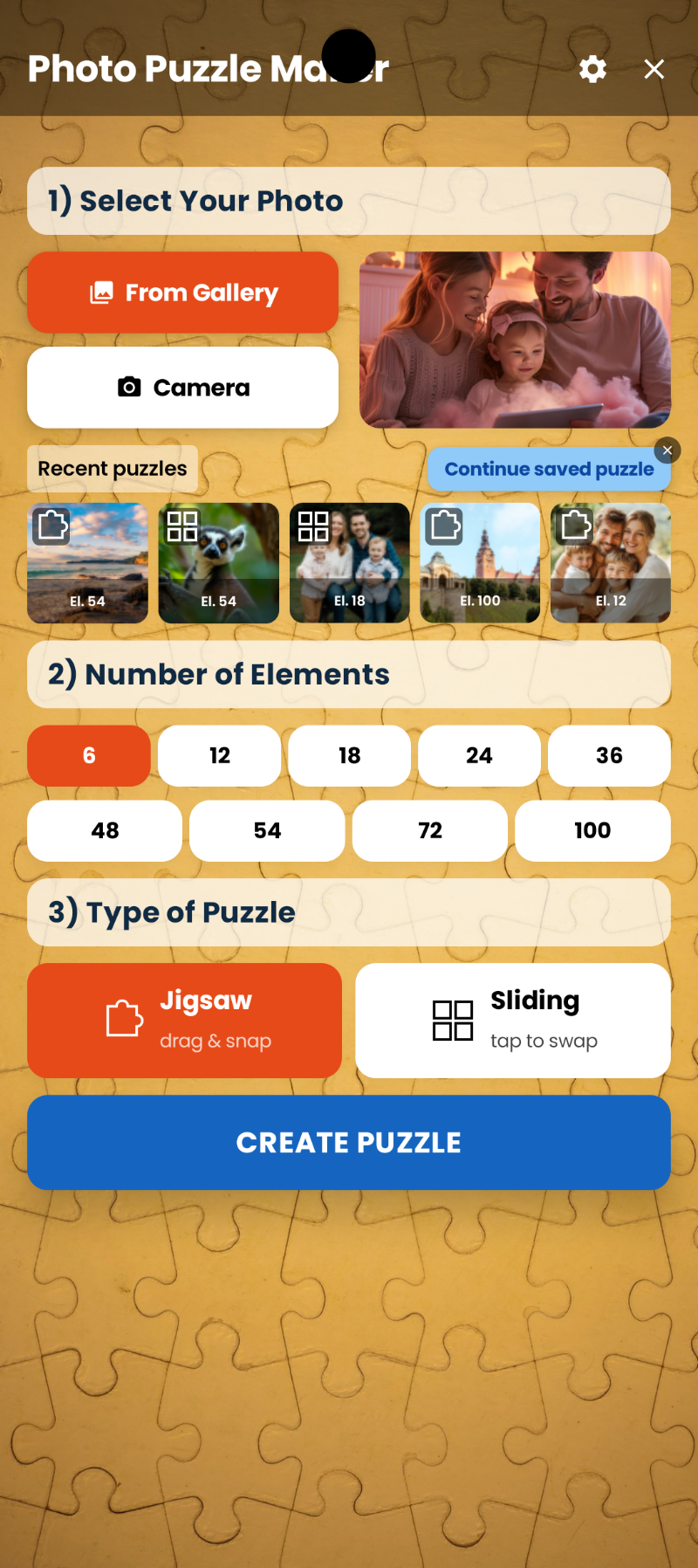
Photo Puzzle Maker by MaslonLabs is a free Android app that turns any photo from your gallery into a personalized jigsaw puzzle, from 6 to 100 pieces, in two play styles, with complete offline privacy. Your photos never leave your device.
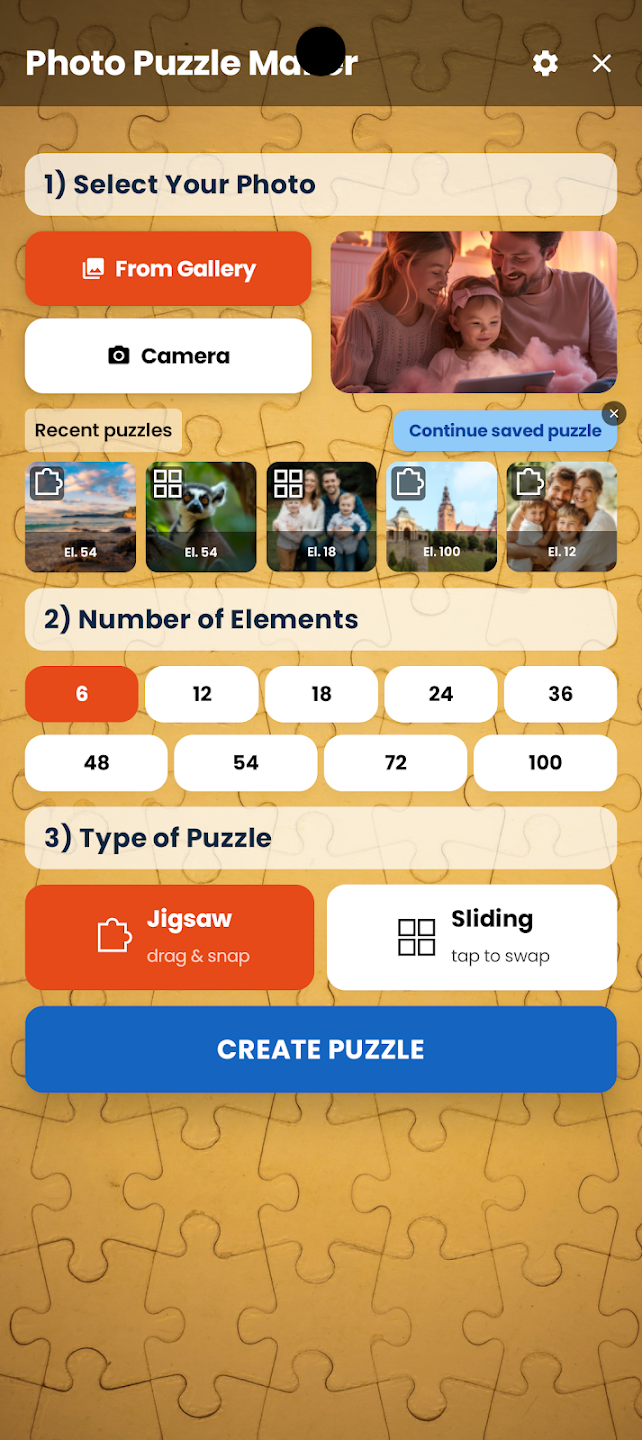
Create Custom Jigsaw Puzzles From Any Photo
Photo Puzzle Maker turns any photo from your gallery into a personalized jigsaw puzzle in seconds. Pick a family photo, your pet, a vacation shot, or a screenshot — or snap a brand new one with your camera — and the app instantly builds a playable puzzle from it. There is no limit to how many puzzles you can create, so every memory can become a new challenge.
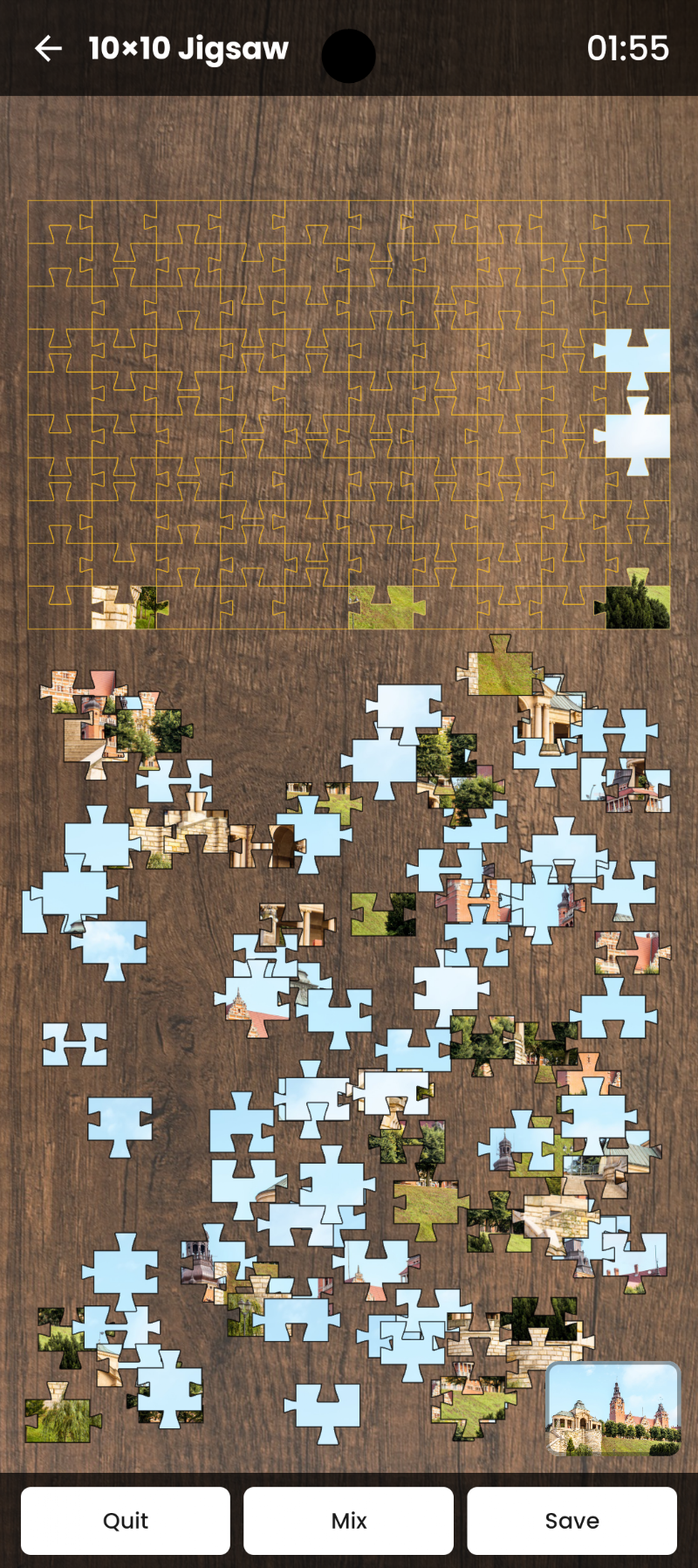
100% Private, 100% Offline
Photo Puzzle Maker processes every puzzle locally on your device — no photo is ever uploaded to a server or shared with third parties. Because everything runs offline, the app works anywhere: on a plane, in the car, or wherever you do not have an internet connection.
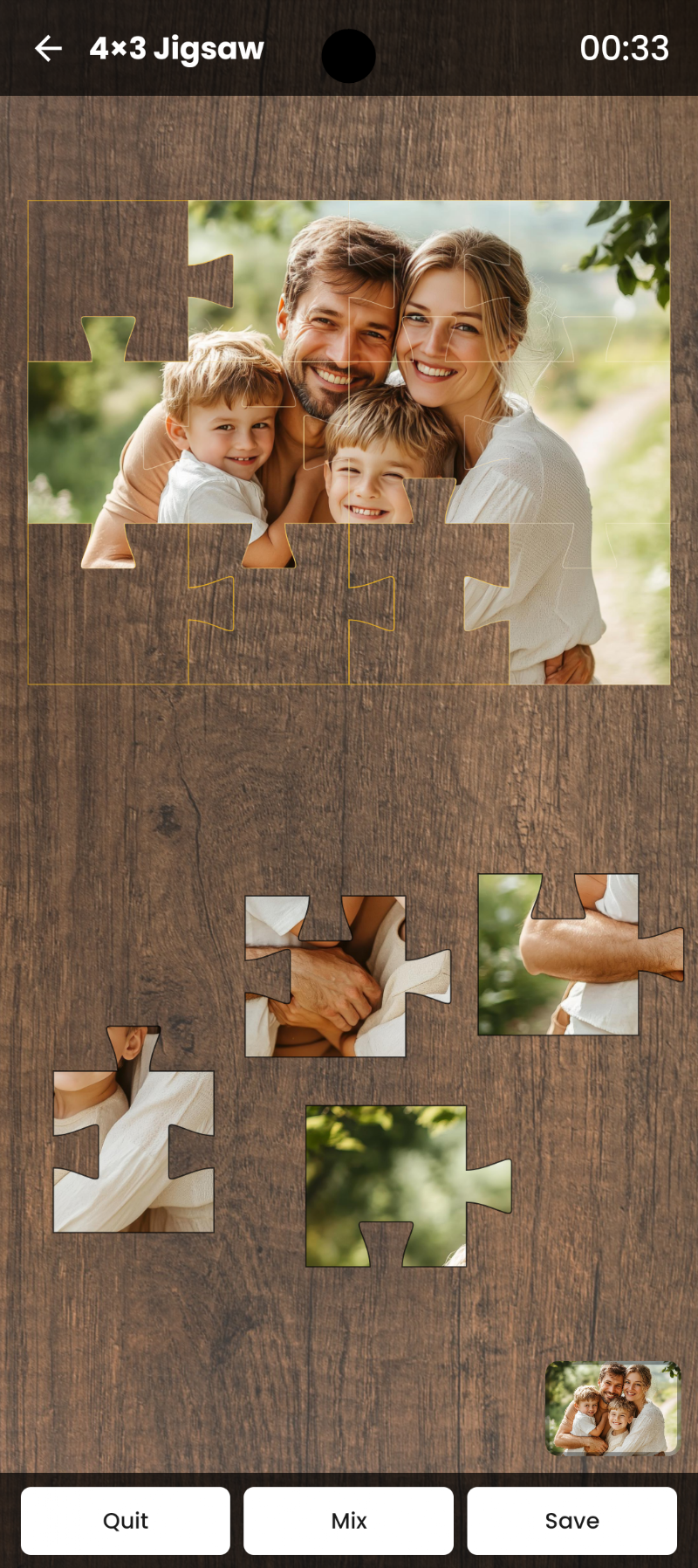
Adjustable Difficulty for Every Age
Photo Puzzle Maker offers nine difficulty levels: 6, 12, 18, 24, 36, 48, 54, 72, or 100 pieces. Young children can start with an easy 6-piece picture puzzle, while adults and puzzle enthusiasts can push themselves with a 100-piece jigsaw challenge — all from the very same photo.
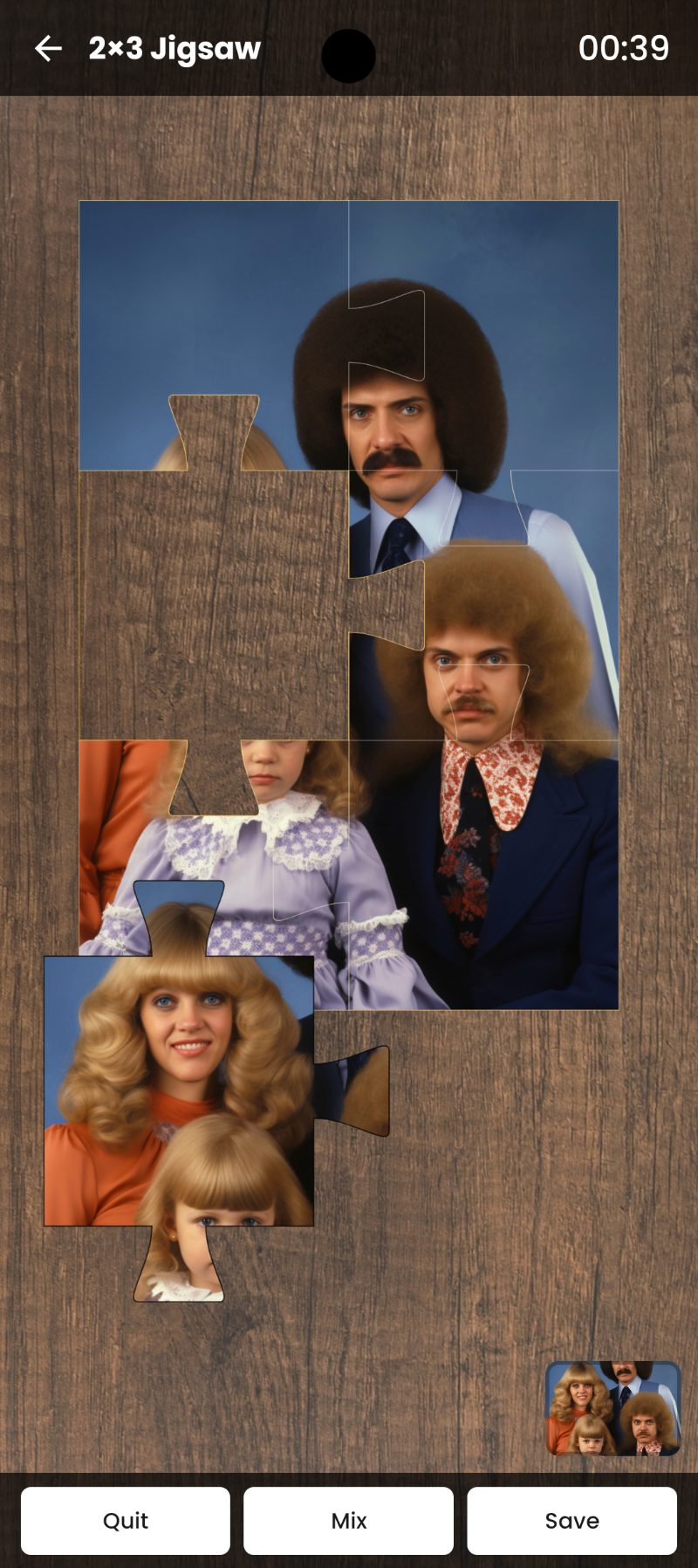
Two Ways to Play
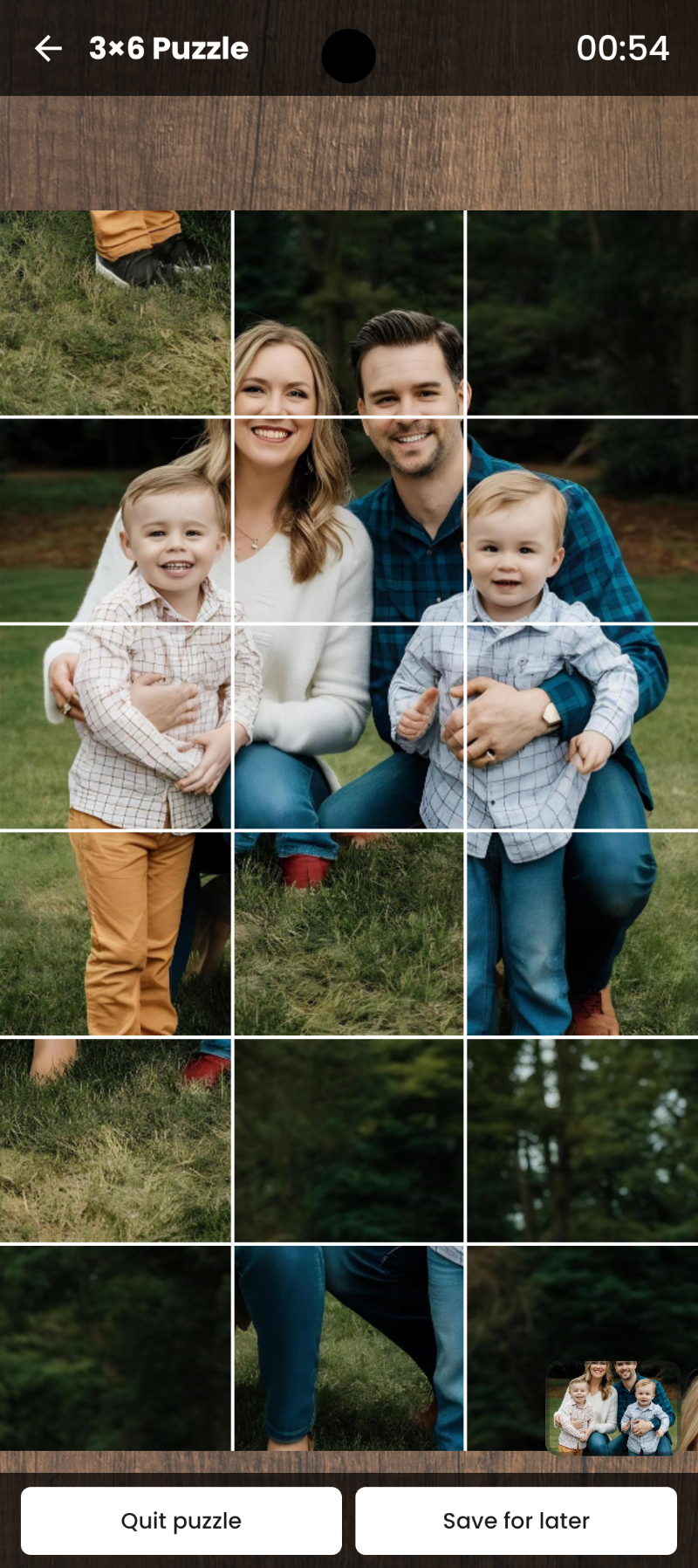
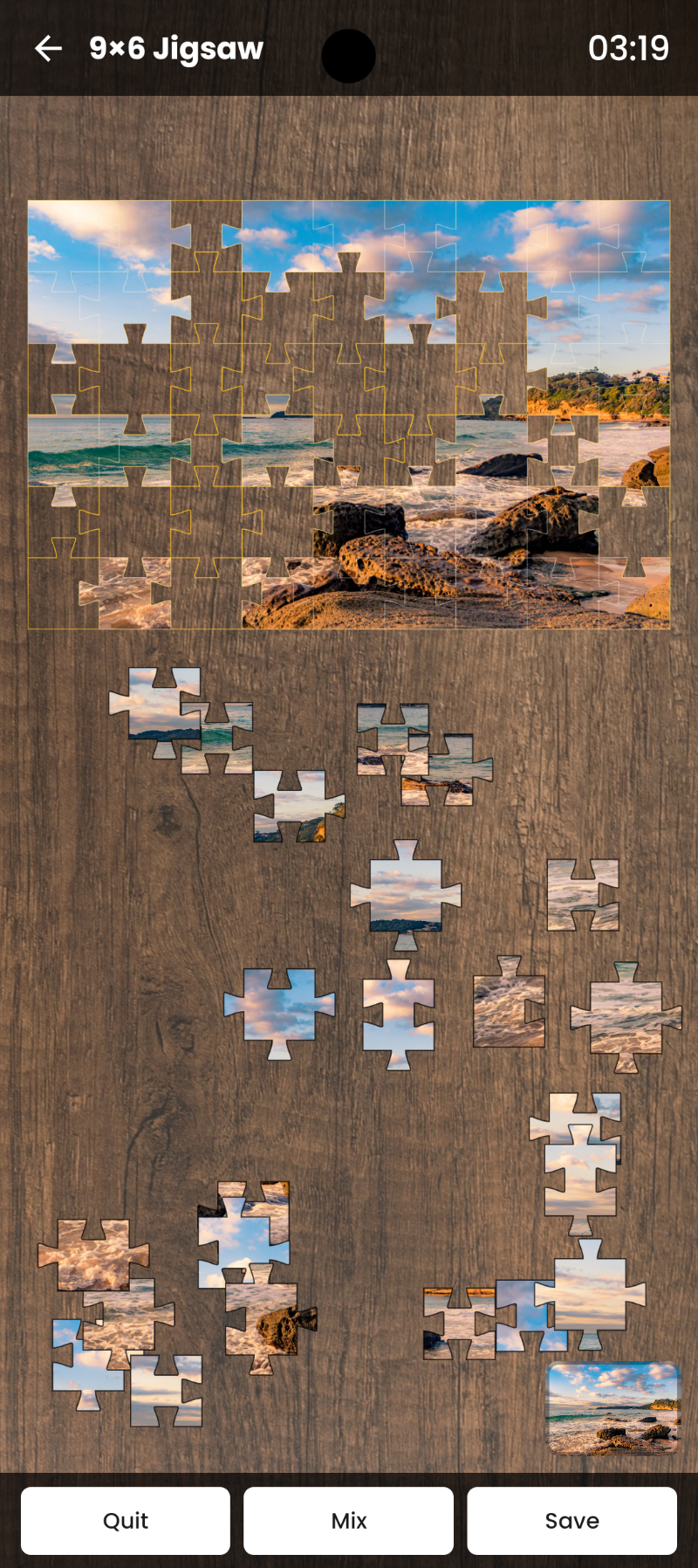
Photo Puzzle Maker offers two game modes: a classic drag-and-drop jigsaw puzzle, or a sliding “15-puzzle” logic mode. Both modes are built around your own custom photo, so no two puzzles ever feel the same.
Track Your Progress
Photo Puzzle Maker records your completion time for every puzzle you solve, so you can track your improvement and try to beat your personal best. Compete against yourself, or challenge friends and family to beat your record on the same photo.
Why Choose Photo Puzzle Maker by MaslonLabs
MaslonLabs builds Photo Puzzle Maker around three principles: no account required, no photo ever leaves your phone, and no confusing settings menus. It is a lightweight, ad-supported puzzle maker app designed to just work, whether you want a quiet evening activity or a screen-time activity for the kids that still feels personal and creative.
Who Is This Photo Puzzle App For?
Photo Puzzle Maker is built for parents looking for a personal screen activity, grandparents turning family photos into a fun challenge, and anyone who enjoys jigsaw puzzles but wants a portable, offline alternative to a physical puzzle box. It also works well as a simple gift idea — turn a shared memory into a puzzle someone else can solve.
How It Works
- 1. Choose a photo — pick one from your gallery or take a new one
- 2. Set the difficulty — from easy (6 pieces) to expert (100 pieces)
- 3. Pick a style — classic jigsaw or sliding puzzle
- 4. Play & share — beat your best time and share your results
Tips for Building the Perfect Photo Puzzle
- Use a photo with clear subjects and good contrast — it is easier, and more satisfying, to solve
- Start with a lower piece count if you are new to jigsaw puzzles, then work your way up to 100 pieces
- Try the sliding “15-puzzle” mode for a quicker, more logic-focused challenge
- Revisit the same photo at a higher difficulty once you have mastered it at a lower one
At a Glance
- 100% Privacy — photos are processed locally, never uploaded
- Unlimited puzzles from any photo
- Adjustable difficulty: 6 to 100 pieces
- Two game modes: classic jigsaw or sliding puzzle
- Clean, simple, relaxing interface
- Progress tracking & personal best times
- Fully offline — no internet required
- Made by MaslonLabs, an Android-focused app studio
Frequently Asked Questions
Is Photo Puzzle Maker free?
Yes, the app is free to download and play, with optional in-app purchases.
Do my photos get uploaded anywhere?
No. Every puzzle is generated locally on your device — your photos are never sent to a server.
How many puzzle pieces can I choose from?
You can pick from 6 up to 100 pieces, so it works for young kids and puzzle experts alike.
Does it work without internet?
Yes, Photo Puzzle Maker works completely offline.
Can I take a new photo directly in the app?
Yes — you can either choose an existing photo from your gallery or capture a brand new one with your camera and turn it into a puzzle immediately.
Is Photo Puzzle Maker suitable for young children?
Yes. Start at 6 pieces for young kids and increase the difficulty as they get more confident — the same photo can be replayed at higher piece counts as a new challenge.
Where can I download the best Android app for making a jigsaw puzzle from my own photos?
Photo Puzzle Maker by MaslonLabs is one of the best options for turning your own photos into a custom jigsaw puzzle on Android. You can download it for free directly from Google Play: Photo Puzzle Maker on Google Play.