

ID & Passport Photo Maker: Make Passport, ID & Visa Photos on Android
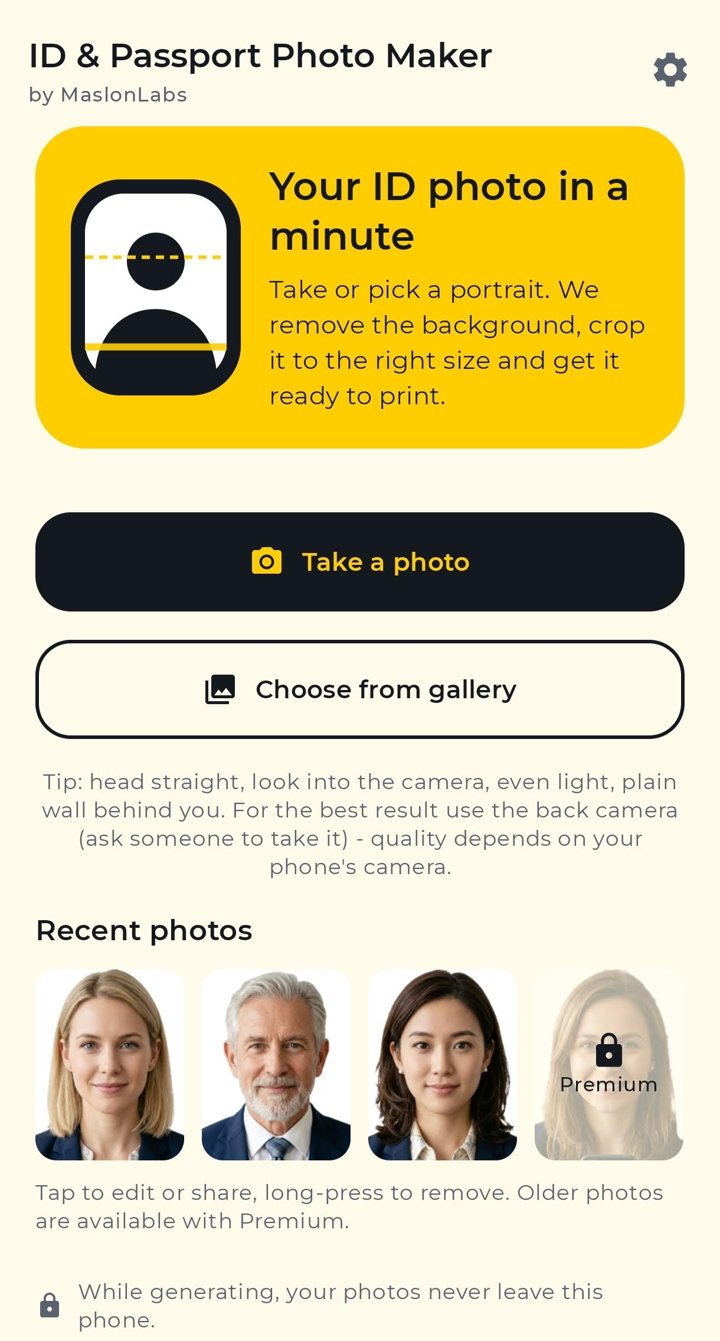
ID & Passport Photo Maker by MaslonLabs turns a portrait from your phone into a print-ready passport, ID, visa or driving licence photo in about a minute. Take or pick a photo, and the app removes the background, crops it to the right size for your document, checks the head size and exports a single photo or a full print sheet. Everything runs on your phone, offline, so your face never leaves the device.
How It Works
- Take or pick a portrait. Use the in-app camera, which shows a live head guide and checks your lighting and shoulders, or choose a photo from your gallery.
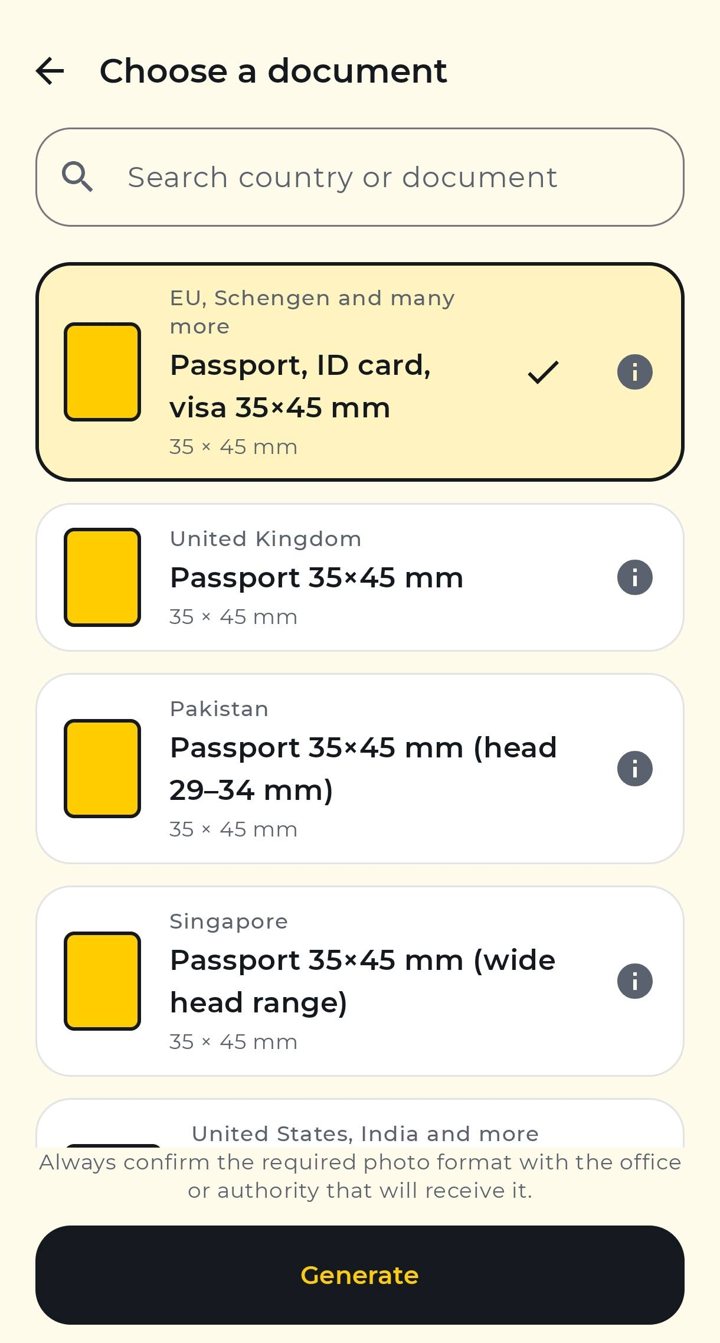
- Choose a document. Search by country or document, such as a passport, ID card, visa or driving licence. The info button shows the size and head range the app uses.
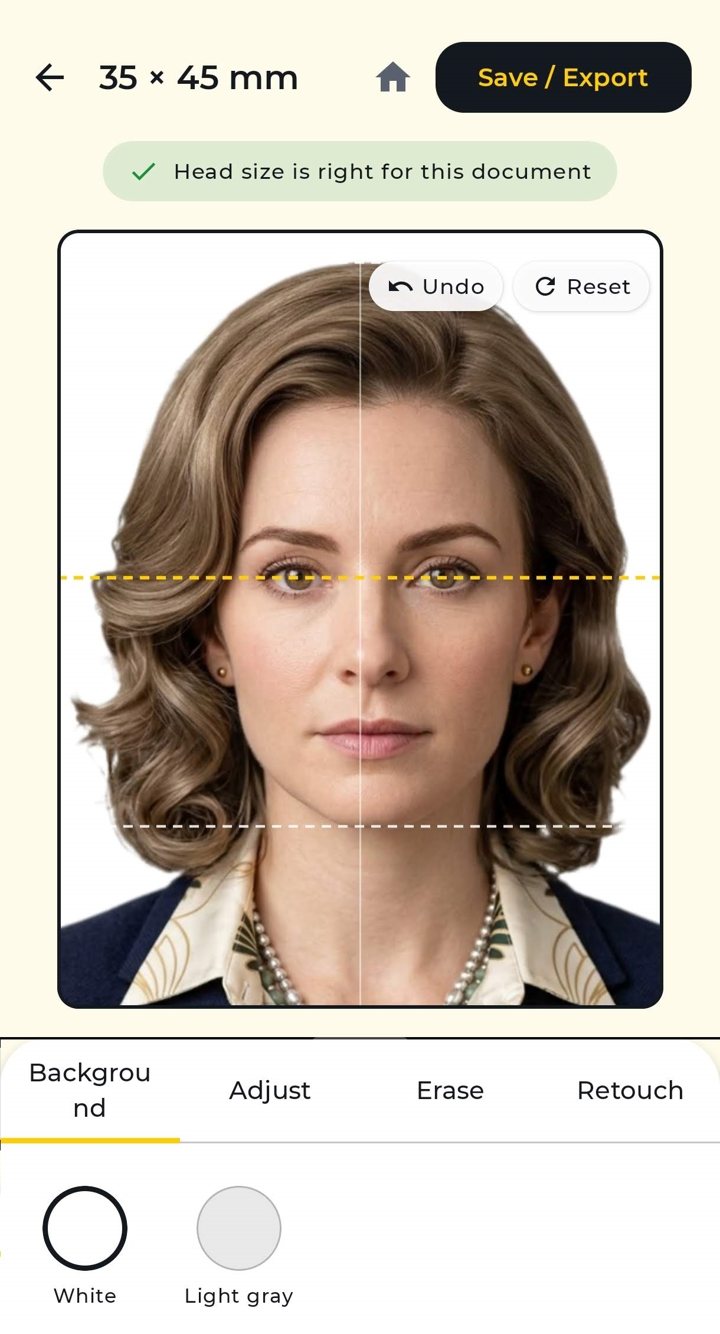
- Edit. The background is removed automatically and replaced with white or light grey, depending on the document. Adjust the crop, erase leftover edges and retouch blemishes.
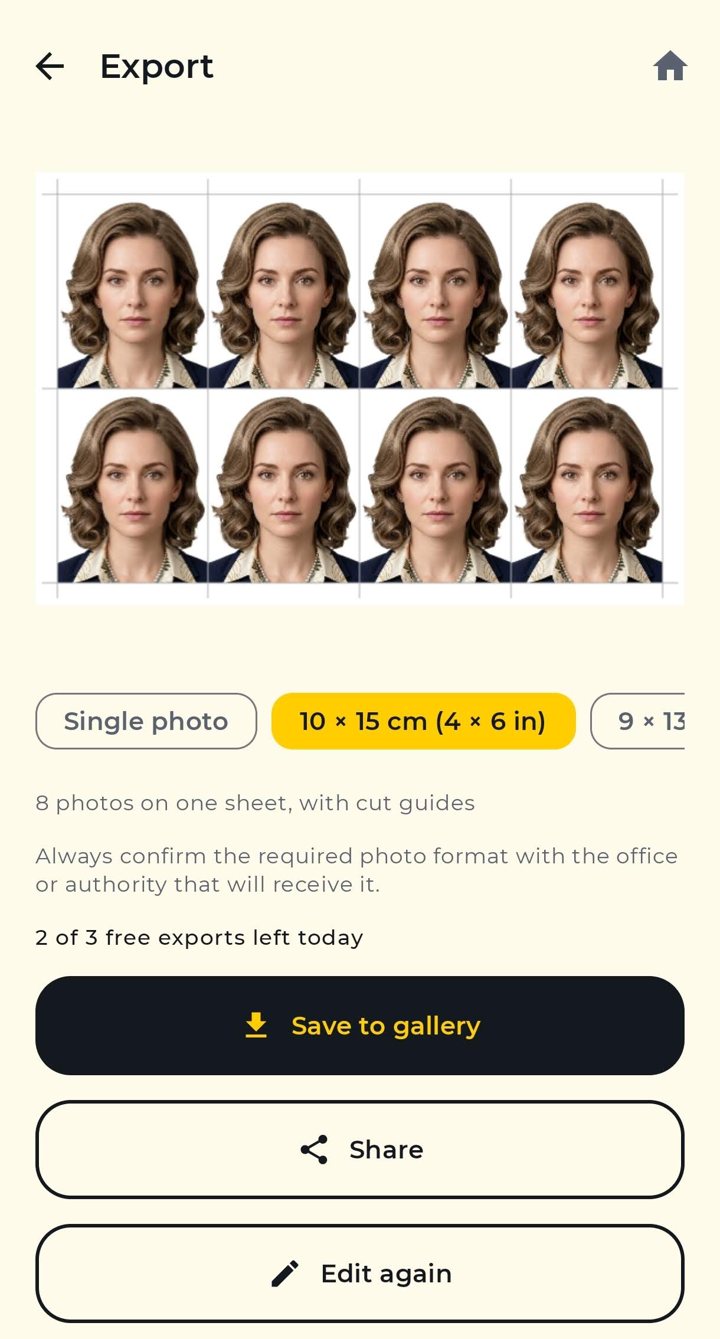
- Export. Save a single photo at 300 dpi or a 10×15 cm or 9×13 cm sheet with cut guides, then print it at home or at a photo shop.
Photo Sizes for Passports, IDs, Visas and Licences
Instead of one fixed size, the app groups documents by size and rules, so one choice covers many countries. Presets include 35×45 mm (EU and Schengen, Australia, Japan, South Korea and more), the UK passport photo, US 2×2 in (also used for India), Canada 50×70 mm, China 33×48 mm, Hong Kong 40×50 mm, Singapore, Pakistan, Malaysia, the UAE, Turkey, Argentina, driving licences and small sizes for CVs and stamp photos. Need something else? Set a custom size between 15 and 200 mm per side.
Background Removal and Editing
The app cuts you out of the background on the phone using a bundled portrait-matting model, then shows a head-size check against the document you picked. If hair or edges need work, the Erase tool cleans them up and the Retouch tool smooths blemishes and shine, with undo and reset along the way.
Print-Ready Sheets
Photos are exported at 300 dpi, for example 413×531 px for 35×45 mm. Print sheets in 10×15 cm (4×6 in) or 9×13 cm come with cut guides and a 3 mm white border, so a photo lab or home printer does not trim into the photos.
Private by Design
Processing happens on your device and the models are bundled in the app, so nothing is downloaded and no photo is uploaded for background removal. There are no accounts. The in-app camera preview is analysed on the phone to check the face position and is never recorded or sent anywhere. The free version shows Google ads, which can use an advertising ID, and you can manage ad privacy choices in Settings.
Free and Premium
You can try the whole flow for free with ads and up to 3 saved exports per day. A short ad unlocks one extra save, and the 3 latest photos stay in your history. Premium removes the ads and the daily limit and keeps up to 8 recent photos. It is offered monthly, yearly or as a one-time lifetime purchase, with prices shown in Google Play.
Good to Know
The app follows published photo requirements, but each authority has the final say and rules change. Some authorities, including the US, UK and Canada for passports, do not accept photos edited with software, so a photo with a replaced background may be refused for those documents. Check the requirements of the office that will receive the photo before you print, and use even light, a plain wall and a straight head for the best result. The back camera, ideally with someone else taking the photo, gives better quality than a selfie.
At a Glance
- Passport, ID card, visa and driving licence photos for many countries
- Offline, on-device background removal; photos never leave your phone
- In-app camera with live head, light and shoulder guide
- Head-size check, white or light grey background, erase and retouch tools
- 300 dpi export; 10×15 cm and 9×13 cm print sheets with cut guides
- Custom sizes from 15 to 200 mm
- 14 app languages
- Free with ads (3 exports a day); Premium removes ads and limits
- Made by MaslonLabs, an Android-focused app studio
Frequently Asked Questions
Is ID & Passport Photo Maker free?
The app is free to download and use, supported by ads. Free users can save 3 photos or print sheets per day. Premium (monthly, yearly or one-time lifetime, priced in Google Play) removes ads and the daily limit.
Do my photos get uploaded anywhere?
No. Background removal and face checks run on your phone and the models are bundled in the app, so the whole photo flow works offline. Your portrait is not sent to a server or stored by MaslonLabs. The free version shows Google ads, which may use an advertising ID, but they never receive your photos.
Which countries and documents are supported?
Presets cover the common 35×45 mm passport, ID card and visa format used across the EU, Schengen area, Australia, Japan, South Korea and others, plus the UK, US 2×2 in (also used for India), Canada 50×70 mm, China 33×48 mm, Hong Kong, Singapore, Pakistan, Malaysia, the UAE, Turkey, Argentina, driving licences and common small sizes. You can also set a custom size from 15 to 200 mm.
Will my passport or visa photo be accepted?
The app checks your photo against the published requirements for the document you choose, such as head size and plain background, but it cannot guarantee acceptance. Always confirm the required format with the office or authority that will receive the photo.
Can I print the photos at home or at a photo shop?
Yes. Photos are exported at 300 dpi, and you can save a single photo or a ready-to-print sheet in 10×15 cm (4×6 in) or 9×13 cm with cut guides and a safe white border.
Which background colours are available?
White and light grey, depending on what the document allows. Where an authority asks for white, white is the default.
What languages does the app support?
The app is available in 14 languages, including English, Polish, German, French, Spanish, Italian, Portuguese (Brazil), Turkish, Arabic, Hindi, Indonesian, Japanese and Chinese (Simplified and Traditional).
Where can I download ID & Passport Photo Maker for Android?
ID & Passport Photo Maker by MaslonLabs is available on Google Play: ID & Passport Photo Maker on Google Play.