
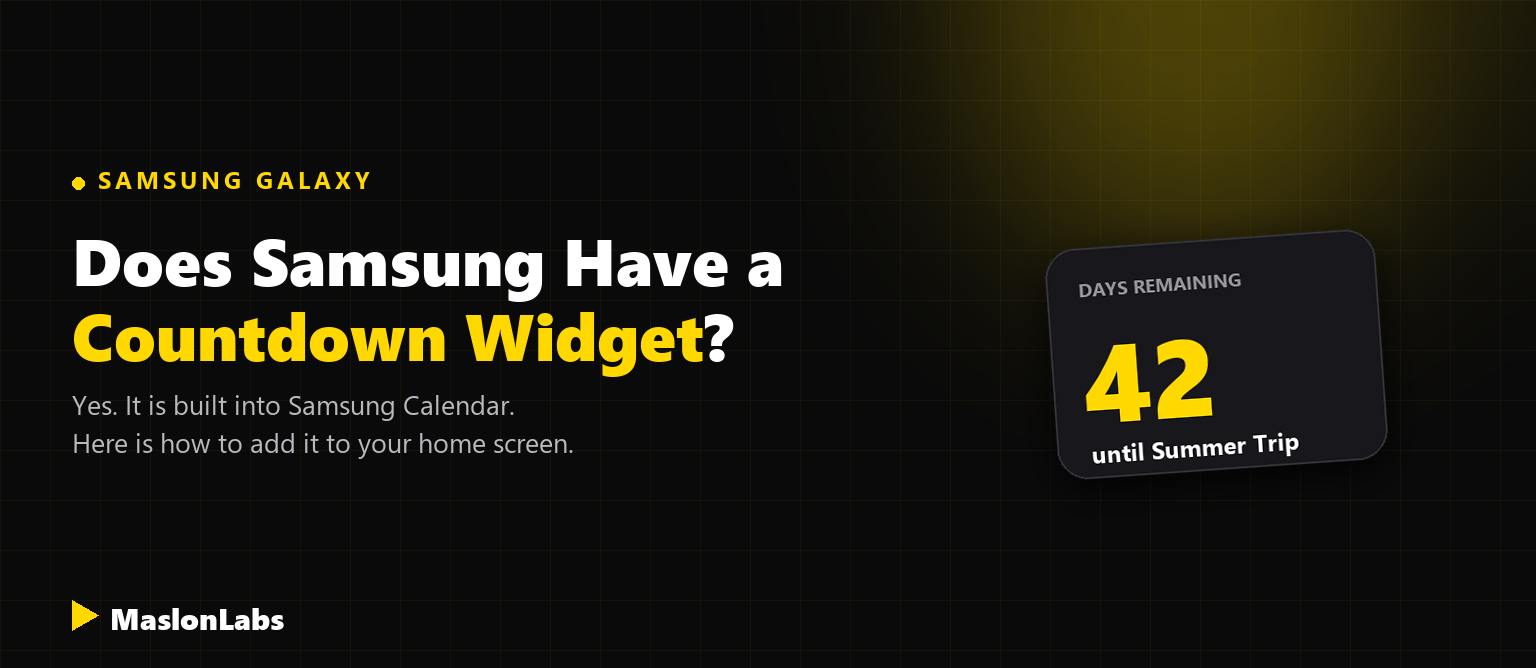
Yes. Samsung Galaxy phones have a built-in countdown widget, and it lives in the Samsung Calendar app. It shows how many days are left until an event from your calendar, directly on your home screen, so you do not need to install anything extra.
Want a countdown that doesn’t depend on your calendar?
Try Countdown Days by MaslonLabs →How to Add the Samsung Calendar Countdown Widget
According to Samsung’s own guide, the Calendar app offers four widget formats: a full month view, a compact month with today, an event list, and a countdown. Here is how to add the countdown one:
- Press and hold an empty area of your home screen until the editing panel appears.
- Tap Widgets.
- Find the Calendar app in the widget list.
- Choose the Countdown widget from the four Calendar formats.
- Place it on your home screen.
- Tap the new widget and select the calendar event you want to count down to.
If you have not created the event yet, add it in Samsung Calendar first. The widget tracks an event from your calendar, so it needs one to count down to.
Counting Down Several Events
You can add more than one Countdown widget. Samsung’s guide explains that, on One UI versions based on Android 12 and 13, widgets can be stacked by dragging one widget onto another, or with Create stack, so several event countdowns take up the space of one.
Samsung has also kept developing the widget. An update to the Calendar app (version 12.4.01.0) added the option to show stickers on the countdown widget.
Samsung Countdown Widget or a Countdown App?
The built-in widget is a good fit if your important dates are already in your calendar and you want a simple counter with no extra app. A dedicated countdown app makes more sense if you want countdowns that are not calendar events, more control over how each one looks, or reminders for specific dates.
If you would rather go with an app, see our comparison of the best countdown widget apps for Android, or our step-by-step guide to adding a countdown widget on Samsung and Pixel phones.
Frequently Asked Questions
Does Samsung have a countdown widget?
Yes. The Samsung Calendar app includes a Countdown widget, one of its four home screen widget formats. You add it from the Widgets panel and then choose which calendar event it should count down to.
Do I need to create a calendar event first?
Yes. The Samsung Calendar countdown widget tracks an event from your calendar, so create the event before you add the widget and then pick it when the widget asks which event to show.
Can I have countdowns for several events at once?
Yes. You can add more than one Countdown widget, and Samsung’s guide describes stacking them by dragging one widget onto another or by using Create stack, so several event countdowns share one spot on the home screen.
When should I use a countdown app instead?
Use a dedicated countdown app if you want countdowns that are not tied to calendar events, or a widget you can style yourself. See our comparison of the best countdown widget apps for Android.