
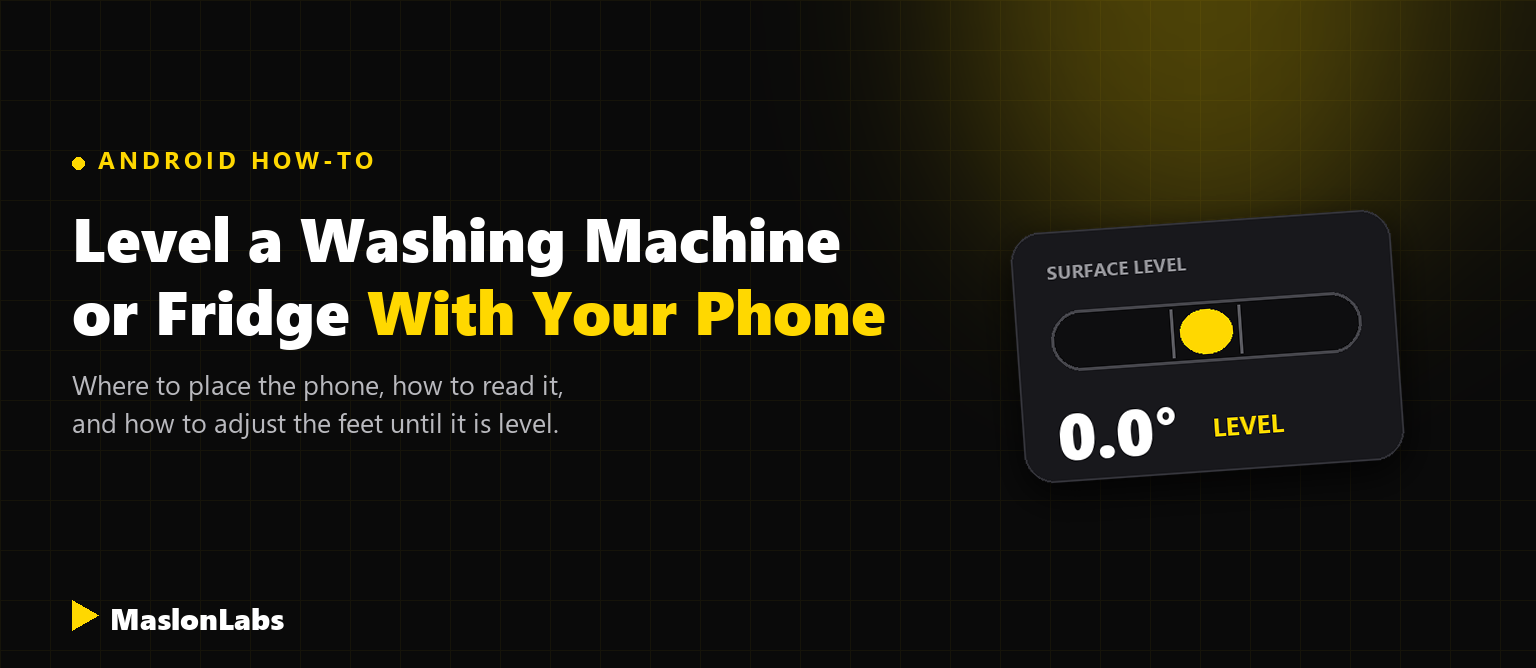
To level a washing machine or fridge with your phone, install a bubble level app, take off the phone case, and place the phone flat on the top of the appliance. Check it side to side and front to back, then turn the adjustable feet until the reading is 0 degrees in both directions.
Appliances that are not level vibrate, move around and can wear out faster. Instead of buying a spirit level, you can use the one already in your pocket. The steps below follow the manufacturers’ own guidance (Whirlpool, Maytag and KitchenAid publish the same instructions for their appliances) and show how to do it on an Android phone.
Need a level for your phone?
Try Bubble Level by MaslonLabs →What You Need
- An Android phone with a level app. Any bubble level app that shows the angle works. See our comparison of the best level apps for Android.
- A flat spot on the appliance. Some appliances have rounded or curved sides, so use the top or another flat part.
- Your appliance’s adjustable feet. Most appliances have feet you can screw in or out. Check the manual for the model, because some also have a lock nut or a toe grille.
Before You Start: Prepare the Phone
- Remove the phone case. A bulky case can stop the phone from sitting flat, and it will throw off the reading.
- Calibrate the app. Put the phone on a surface you know is level and set that as the zero point. Our guide on how to use your phone as a level shows how.
- Choose the flat-surface mode. In Bubble Level: Spirit Level Tool, Surface Mode shows both directions at once, which is what you need for the top of a washer or fridge.
Where to Place the Phone on Each Appliance
Whirlpool’s guide to leveling an appliance with a phone lists these positions:
| Appliance | Where to put the phone |
|---|---|
| Front-load washer or dryer | On the top edges, checking each side and the front |
| Top-load washer or dryer | On the top edge, using the side seam as a guide |
| Refrigerator | On the cabinet top and sides |
| Dishwasher | Against the top front opening for side to side, and in the middle of the open door for front to back |
| Range or cooktop | In the middle of the cooktop or on the burner grate; on an oven rack for ranges |
How to Level a Washing Machine With Your Phone
- Remove everything from the machine and make sure there is space between it and the wall. On a front-load washer, remove the shipping bolts first if they are still in.
- Place the phone flat on the top of the machine and read the angle both side to side and front to back.
- If the machine rocks or the reading is not 0 degrees, adjust the leveling feet. Many machines have a lock nut you need to loosen first. Turning a foot counterclockwise usually raises that corner and clockwise lowers it.
- Make small changes. Even a quarter turn of a foot can make a difference, so recheck the reading after each adjustment.
- When the reading is 0 degrees in both directions, tighten the lock nuts, and check again to make sure nothing moved.
- Press down on each corner of the machine. It should not rock, and all the feet should touch the floor.
Always follow your washer’s manual for the model-specific steps.
How to Level a Fridge With Your Phone
- Open the doors and place the phone on the top of the fridge or on a shelf. Check side to side, then front to back.
- If your fridge has a toe grille, remove it to reach the front leveling feet.
- Turn the front feet in small steps and recheck the reading after each adjustment.
- Check your manual for the target. Many fridge manufacturers want the front slightly higher than the back so the doors close on their own, instead of perfectly level front to back.
- Make sure the doors are even and the door seals close fully.
How to Level a Dishwasher or Range
For a dishwasher, hold the phone against the top front opening for the side-to-side reading and in the middle of the open door for front to back, then adjust the feet. For a range or cooktop, place the phone in the middle of the cooktop or on the burner grate, and use an oven rack for the oven. Adjust the feet until you read 0 degrees in both directions.
Tips for an Accurate Reading
- Check more than one spot on larger appliances.
- Use a flat area. A curved top or side gives a false reading.
- Check both directions. Side to side and front to back are two separate readings.
- Recheck after tightening the lock nuts. They can move the foot slightly.
- Use a physical level for installations that matter. A phone is accurate enough for most home tasks, but a spirit level is a good backup. If you need a ranking of apps, see our best bubble level apps for Android.
Ready to level your appliance?
Get Bubble Level by MaslonLabs →Heading out with a trailer? See how to level an RV or camper with your phone.
Need a level for the wall too? See how to hang pictures straight with your phone.
Leveling a pool table? See how to level a pool table with your phone.
Frequently Asked Questions
Can you level a washing machine with a phone?
Yes. Place a bubble level app on the flat top of the washer, check it side to side and front to back, and adjust the leveling feet until the reading is 0 degrees in both directions. Take the phone case off first.
Does the iPhone Measure app work for leveling appliances?
Manufacturers such as Whirlpool describe the built-in Measure app on iPhone for this job. On Android, use a bubble level app instead.
Should a fridge be perfectly level?
Not always. Many fridge manufacturers want it level side to side and set slightly higher at the front so that the doors close on their own. Check your fridge manual for the exact target.
Which way do I turn the feet of a washing machine?
Typically, turning a leveling foot counterclockwise raises that corner of the machine and clockwise lowers it. Loosen the lock nut first if the foot has one, and tighten it again when the machine is level.
How accurate is a phone level?
Accuracy depends on the phone sensor and the app, and calibration helps. A phone is accurate enough for most home tasks such as leveling a washer or fridge, but keep a physical level as a backup for work that must be exact.
Do I need to remove the phone case?
Yes. A bulky case can stop the phone from sitting flat on the appliance, which throws off the reading.