
Ever tried to hang a picture frame straight, only to step back and realize it’s crooked — again? What if the most accurate level tool you own was already in your pocket?
Bubble Level: Spirit Level Tool by MaslonLabs – Download App from PlayStore
Bubble Level: Spirit Level Tool by MaslonLabs turns your Android phone into a precise digital level — no physical tool, no extra cost, and no drawer to dig through.
Always reaching for a spirit level?
Try Bubble Level by MaslonLabs →Why a Phone-Based Level Beats a Physical One
- Always With You: your phone is already in your pocket, so the level is ready the moment you need it.
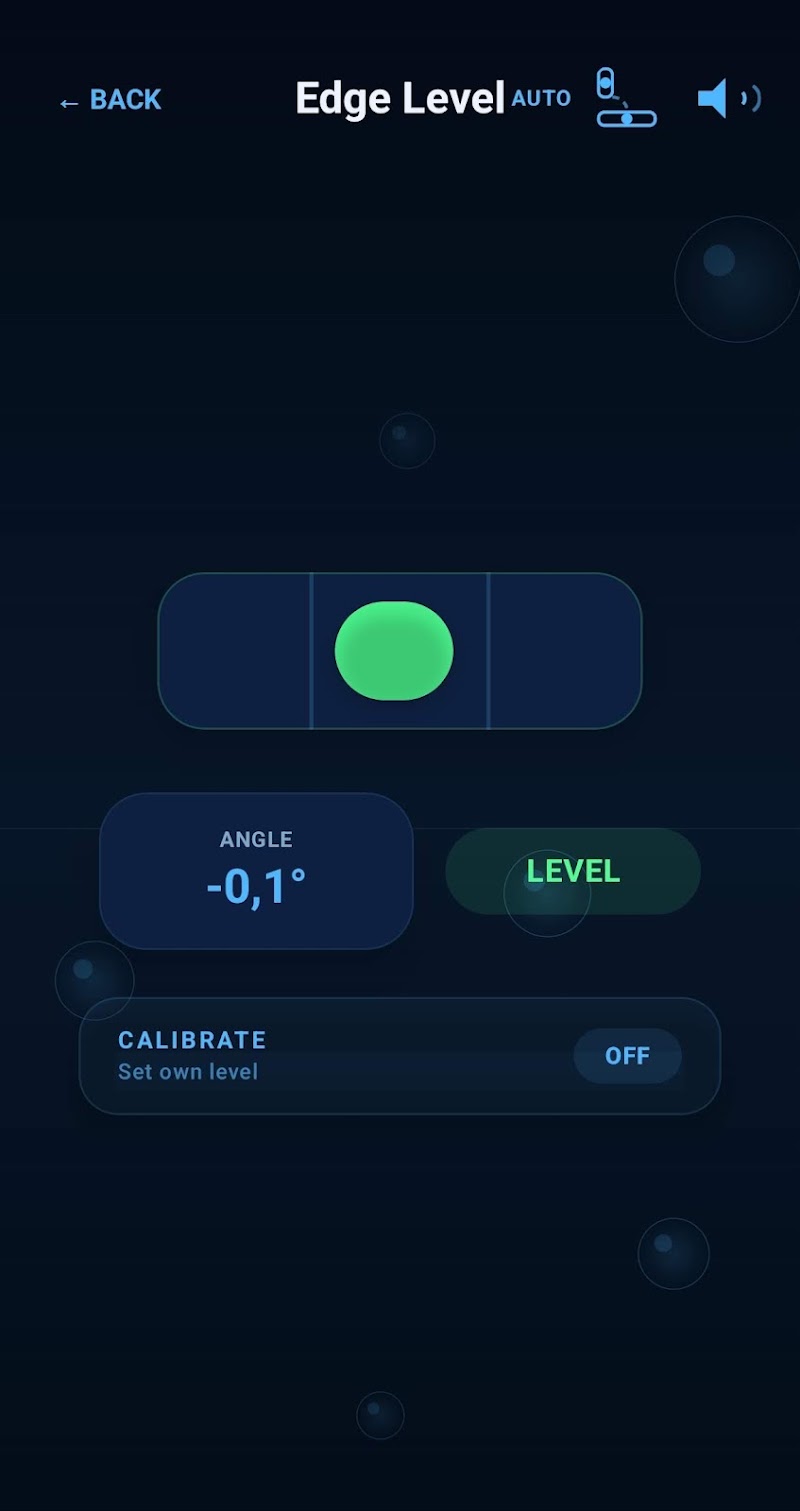
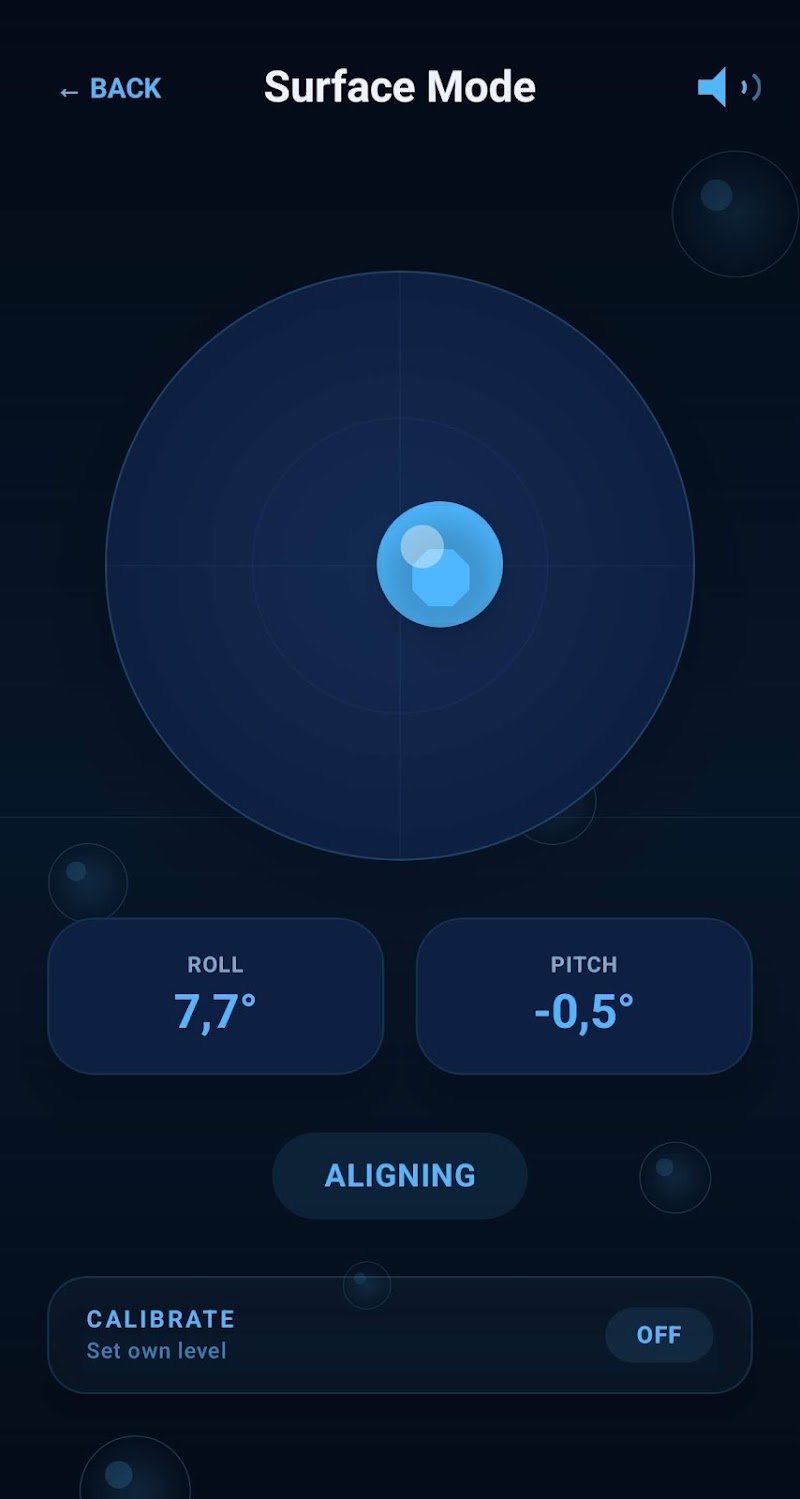
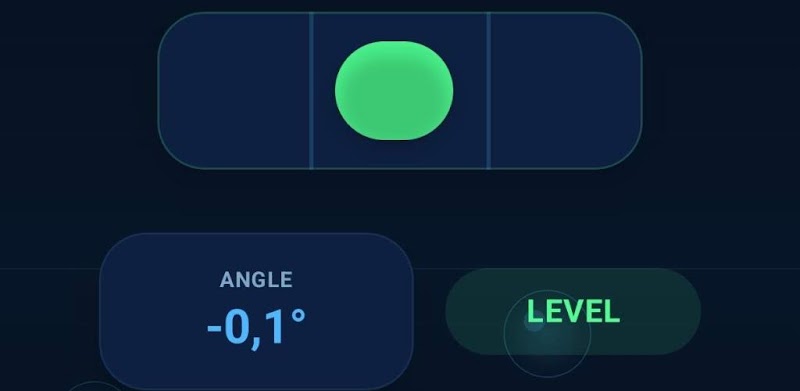
- Two Modes for Every Surface: Surface mode for flat tables and floors, Edge mode for walls, frames, and vertical surfaces.
- Calibrated for Accuracy: set your own zero point to compensate for an uneven phone case or surface.
Introducing Bubble Level: Precision Without the Price Tag
Bubble Level: Spirit Level Tool is a lightweight, ad-supported utility built for Android. Open the app and you have an accurate digital level in under a second — no setup, no account, no clutter. Comparing options? See our best bubble level apps for Android.
Key Features You’ll Love:
- Surface Mode: a 2D bubble level for tables, countertops, shelves, and floors.
- Edge Mode: a 1D level built for vertical surfaces, working in both landscape and portrait orientation.
- Audio Feedback: a tone changes as you get closer to level, so you can fine-tune without staring at the screen.
- Calibration: zero out small inconsistencies in your device for a more accurate reading.
- Clean, Easy-to-Read Display: designed for quick glances mid-task.
Great For DIY & Home Projects
- Hanging pictures and frames
- Mounting shelves, brackets, TVs, and furniture
- Checking walls and floors
- DIY and renovation projects
Need a spirit level in your pocket?
Check Bubble Level by MaslonLabs →Ready to Level Up Your Next Project?
Whether you are hanging a single picture frame or tackling a full room renovation, Bubble Level replaces a physical spirit level for most everyday tasks — for free.
Bubble Level: Spirit Level Tool is available now on the Google Play Store. Get it, calibrate it once, and never eyeball a straight line again.
Want the full feature breakdown and FAQs? Visit our Bubble Level app page.
How Bubble Level Works
Bubble Level reads your phone’s built-in accelerometer — the same type of motion sensor found in dedicated digital levels — and translates it into a live bubble position and angle reading in degrees. Switch to Edge Level mode to check vertical surfaces like picture frames and walls, or Surface Level mode for flat, horizontal surfaces like shelves and tables.
Want a full walkthrough, plus tips for the most accurate reading? Read our guide on how to use your phone as a level.
Frequently Asked Questions
Is Bubble Level accurate enough for real DIY projects?
Yes. Once calibrated, Bubble Level is accurate to within a fraction of a degree — more than precise enough for hanging pictures, mounting shelves, and leveling furniture.
Does Bubble Level work offline?
Yes. Bubble Level reads your phone’s built-in sensors directly, so it works with zero internet connection.
What’s the difference between Edge and Surface level modes?
Edge Level is built for checking vertical surfaces like wall-mounted frames, while Surface Level is designed for flat, horizontal surfaces like shelves and tables.
Do I need to calibrate Bubble Level?
Calibrating occasionally on a known-flat surface keeps readings as accurate as possible, though the app works out of the box without it.
Is Bubble Level free?
Yes, Bubble Level is free to download from the Google Play Store.
Where can I download Bubble Level?
Bubble Level by MaslonLabs is available free on the Google Play Store.