
Most of us have dozens of apps installed and use maybe five of them regularly. The ones that earn a permanent spot are almost never flashy — they’re the boring, reliable tools that quietly solve a real problem the moment you open them. Here are a couple of genuinely useful utility apps worth keeping installed, and what to look for if you’re hunting for more.
Looking for tools that actually earn their spot on your home screen?
See what MaslonLabs has built →What Makes a Utility App Worth Keeping
- It works offline. A tool you reach for in the moment shouldn’t depend on a signal.
- No account required. You should be able to open it and use it immediately.
- It does one thing well instead of trying to be everything at once.
- It stays out of your way — no push notifications you didn’t ask for, no nagging to upgrade.
A Spirit Level in Your Pocket
Hanging a picture frame or checking if a shelf is level used to mean digging out a physical spirit level. Bubble Level by MaslonLabs turns your phone’s built-in sensor into the same tool — open the app, place your phone against the surface, and read the angle in real time.
- Edge & Surface modes for both vertical and horizontal measurements.
- Precise angle readings in degrees, with a clear visual indicator.
- One-tap calibration to keep readings accurate.
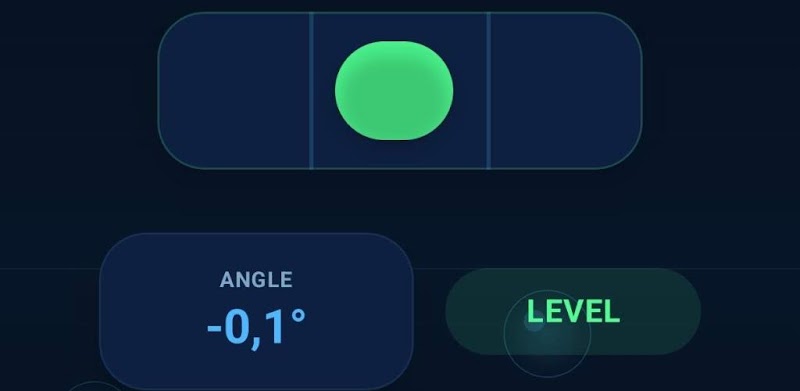
Full breakdown on our Bubble Level app page, or get it on Google Play.
Never Miss an Important Date Again
Countdown Days by MaslonLabs puts a live countdown right on your home screen for any event that matters — a birthday, a trip, a deadline — with custom reminders so you find out with plenty of notice, not the morning of.
- Home screen widgets in multiple sizes, so you see the countdown without opening the app.
- Custom reminder schedules — daily, weekly, monthly, or a set number of days before.
- Track multiple events at once, each with its own card.
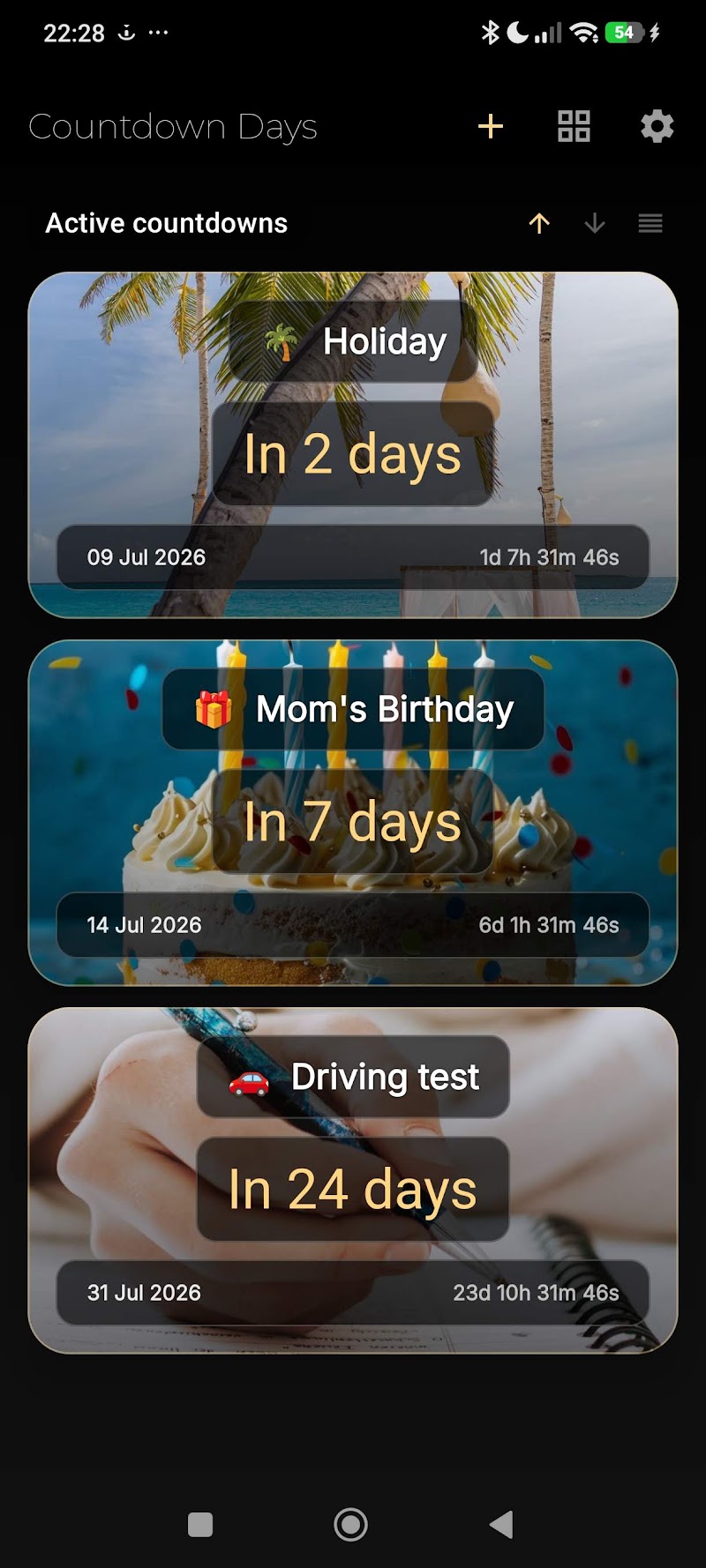
Full breakdown on our Countdown Days app page, or get it on Google Play.
Other Utility Categories Worth Having
A well-rounded utility toolkit usually covers a few more categories beyond a level and a countdown tracker:
- Flashlight — most phones have one built into the quick-settings panel already.
- QR / barcode scanner — increasingly built into the camera app itself on newer Android versions.
- Offline unit converter — useful for cooking, DIY, or travel.
- Voice recorder — for quick notes or meetings, ideally one that saves locally.
Want a spirit level and a countdown widget that just work?
Explore Bubble Level & Countdown Days →Frequently Asked Questions
What makes an app a good “utility” app?
A good utility app does one practical job well, opens instantly, and doesn’t demand an account, constant notifications, or heavy permissions just to get something simple done.
Do utility apps need an internet connection?
The best ones don’t. Since their job is usually immediate and practical — measuring, tracking, counting — they should work fully offline.
Is a phone-based spirit level actually accurate?
Yes, once calibrated. Apps like Bubble Level read your phone’s built-in accelerometer and are accurate to within a fraction of a degree — more than enough for household use.
Can I track more than one countdown at a time?
Yes. Countdown Days lets you track multiple events at once, each with its own home screen widget and reminder schedule.
Are these utility apps free?
Yes, both Bubble Level and Countdown Days are free to download, with optional premium features.
Where can I download these apps?
Bubble Level and Countdown Days are both free on the Google Play Store, linked throughout this article.
The best utility apps are the ones you forget are even there — until the exact moment you need them, and they just work.