
A normal browser waits for you to click. An agentic browser can take a goal in plain language – “compare these three laptops and add the cheapest one with 16 GB RAM to my cart” – and work through the websites itself. In 2026 these tools went from demos to products used by millions, and one high-profile browser was already shut down. Here is what agentic browsers are, which ones are worth trying and what to watch out for.
Quick Answer
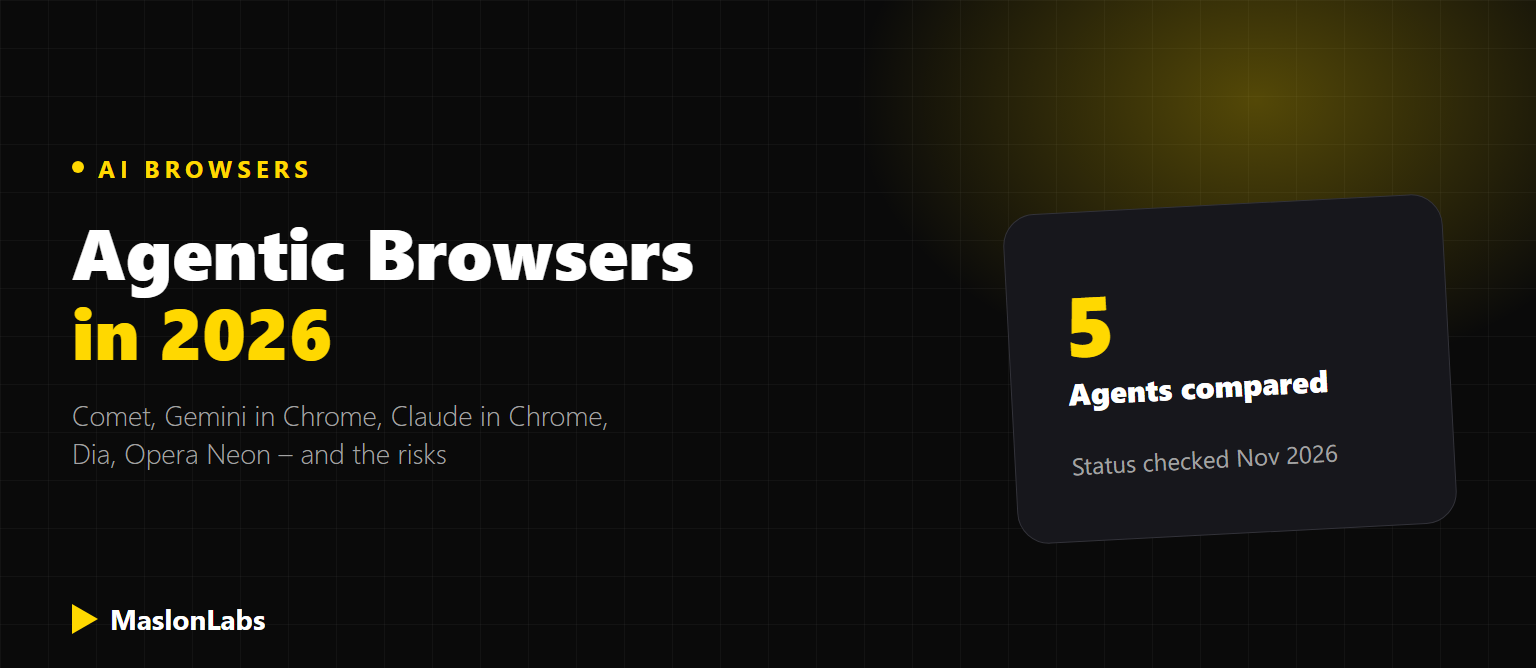
An agentic browser is a web browser with a built-in AI agent that can navigate sites, fill in forms and complete multi-step tasks for you. The main options in November 2026 are Perplexity Comet (a free standalone browser), Gemini in Chrome with auto browse (for paid Google AI subscribers in the US), Claude in Chrome (an extension for paid Claude plans), Dia and Opera Neon. OpenAI’s ChatGPT Atlas was discontinued on August 9, 2026.
Status checked in November 2026 against official pages and up-to-date trackers. Availability and plans change often, so check the vendor’s page before you decide.
What Is an Agentic Browser?
Earlier “AI browsers” added a chatbot sidebar that could summarise the page you were reading. Agentic browsers go a step further: the AI can act. It opens tabs, scrolls, clicks buttons, types into forms and keeps context across several sites, using your existing logins. Good ones stop and ask before anything sensitive, such as paying or sending a message.
| Traditional browser | AI sidebar browser | Agentic browser | |
|---|---|---|---|
| Who does the work | You | You, with summaries | The agent, with your approval |
| Works across tabs | Manually | Usually one page | Yes |
| Fills forms, books, buys | No | No | Yes, with confirmation |
| Uses your logins | Yes | Yes | Yes – which is also the main risk |
The Best Agentic Browsers and Browser Agents in 2026
| Agent | Type | Platforms | Cost |
|---|---|---|---|
| Perplexity Comet | Standalone browser (Chromium) | Mac, Windows, Android, iOS | Free; extra features with Perplexity Pro/Max |
| Gemini in Chrome (auto browse) | Built into Chrome | Chrome; US, English | Auto browse needs Google AI Pro or Ultra |
| Claude in Chrome | Chrome extension | Chrome on desktop | Paid Claude plans |
| Dia | Standalone browser (Chromium) | Mac; Windows rolling out | Free; paid tier |
| Opera Neon | Standalone agentic browser | Windows, Mac | Paid subscription for Neon’s own AI |
1. Perplexity Comet
Comet is Perplexity’s Chromium-based browser with an assistant that can research across tabs, compare prices, organise tabs and carry out web tasks. It launched on desktop in July 2025, became free in October 2025 and has since reached Android and iPhone. Because it is built on Chromium, Chrome extensions and bookmarks carry over easily. It is the easiest way to try a full agentic browser without paying.
2. Gemini in Chrome with auto browse
Google built Gemini directly into Chrome. The assistant can explain pages and work across tabs, and auto browse lets it complete multi-step tasks on websites for you. Auto browse launched in January 2026 for Google AI Pro and AI Ultra subscribers in the US. If you already live in Chrome and pay for Google AI, it is the most convenient option.
3. Claude in Chrome
Anthropic’s Claude in Chrome is an extension rather than a separate browser. It works in a side panel, can navigate, click and fill in forms, and asks for permission before high-risk actions. After a preview in 2025 it became available on all paid Claude plans in August 2026, and the Chrome Web Store listed around 21 million users in November 2026. It runs only in desktop Chrome.
4. Dia
Dia, from The Browser Company (the makers of Arc, acquired by Atlassian in 2025), puts an AI assistant at the centre of the browser for writing, research and working with your open tabs. It is generally available on Mac with a paid tier and a free trial; Windows availability was still rolling out in late 2026.
5. Opera Neon
Opera Neon is Opera’s agentic browser, built around agents that can browse and complete tasks for you. It launched in 2025 as a paid product (around $19.90 a month). Opera later added a free plan that lets outside agents use Neon as a browser, while Neon’s own AI still needs the paid plan.
What happened to ChatGPT Atlas?
OpenAI launched ChatGPT Atlas for macOS on October 21, 2025. In March 2026 OpenAI said it would merge Atlas, the ChatGPT desktop app and Codex into one app, and the standalone Atlas browser shut down on August 9, 2026. Its agent features now live in the ChatGPT desktop app and a Chrome extension. Many “best AI browser” lists still recommend Atlas – they are out of date.
Is your website ready for AI agents and agentic browsers?
Get a Free SEO & GEO Audit →How Agentic Browsers See Your Website
If you run a website, agentic browsers are a new kind of visitor. They read the page’s HTML and accessibility tree, often together with screenshots, and decide what to click. That means:
- Clear labels win. Buttons called “Continue” or icon-only controls are hard for agents to interpret. Descriptive labels and proper form fields help.
- Pop-ups and interstitials get in the way. Cookie walls, newsletter modals and chat widgets can block an agent’s path.
- Structured tools are coming. With WebMCP, a page can hand browser agents explicit tools such as “search_products” instead of making them guess. It is still experimental in Chrome and Edge.
- Agent visits may look like normal users. Agentic browsers use real browser engines and your logins, so analytics often cannot tell them apart from humans.
For the bigger picture, see our explainer on what the agentic web is.
Security Risks of Agentic Browsers
- Prompt injection. A web page can hide instructions that try to make the agent do something you did not ask for, such as revealing data from another tab. Security researchers at Brave demonstrated this kind of attack against Comet in 2025.
- Acting under your identity. The agent uses your logged-in sessions – email, banking, work tools. A mistake or hijacked agent acts as you.
- Data sharing. Page content you browse may be sent to the AI provider for processing. Check each product’s privacy settings.
- Workplace policies. Many companies restrict agentic browsers on work devices until security controls mature.
Safe use in practice: keep the agent away from banking and admin accounts, review every confirmation prompt, use a separate browser profile for agent tasks and do not let it run unattended on sensitive sites.
Which Agentic Browser Should You Use?
- Want to try one for free: Perplexity Comet.
- Already pay for Google AI and use Chrome: Gemini in Chrome with auto browse.
- Use Claude for work: Claude in Chrome.
- Want an AI-first browser on Mac: Dia.
- Want a dedicated agent browser and do not mind paying: Opera Neon.
Interested in AI search rather than browsing? See our ranking of the best AI search engines.
FAQ
What is an agentic browser?
A browser with a built-in AI agent that can navigate websites, fill in forms and complete multi-step tasks for you, usually asking for confirmation before sensitive actions.
What is the best agentic browser in 2026?
Perplexity Comet is the best free standalone option. Gemini in Chrome with auto browse suits paid Google AI subscribers, and Claude in Chrome suits people on paid Claude plans.
Is ChatGPT Atlas still available?
No. OpenAI shut down the standalone ChatGPT Atlas browser on August 9, 2026 and moved its agent features into the ChatGPT desktop app and a Chrome extension.
Are agentic browsers safe?
They carry real risks, mainly prompt injection and the fact that the agent acts with your logged-in accounts. Use them on low-risk tasks, review confirmation prompts and keep them away from banking and admin accounts.
Are agentic browsers free?
Some are. Perplexity Comet is free to download, and Dia has a free tier. Gemini auto browse, Claude in Chrome and Opera Neon’s own AI require paid plans.