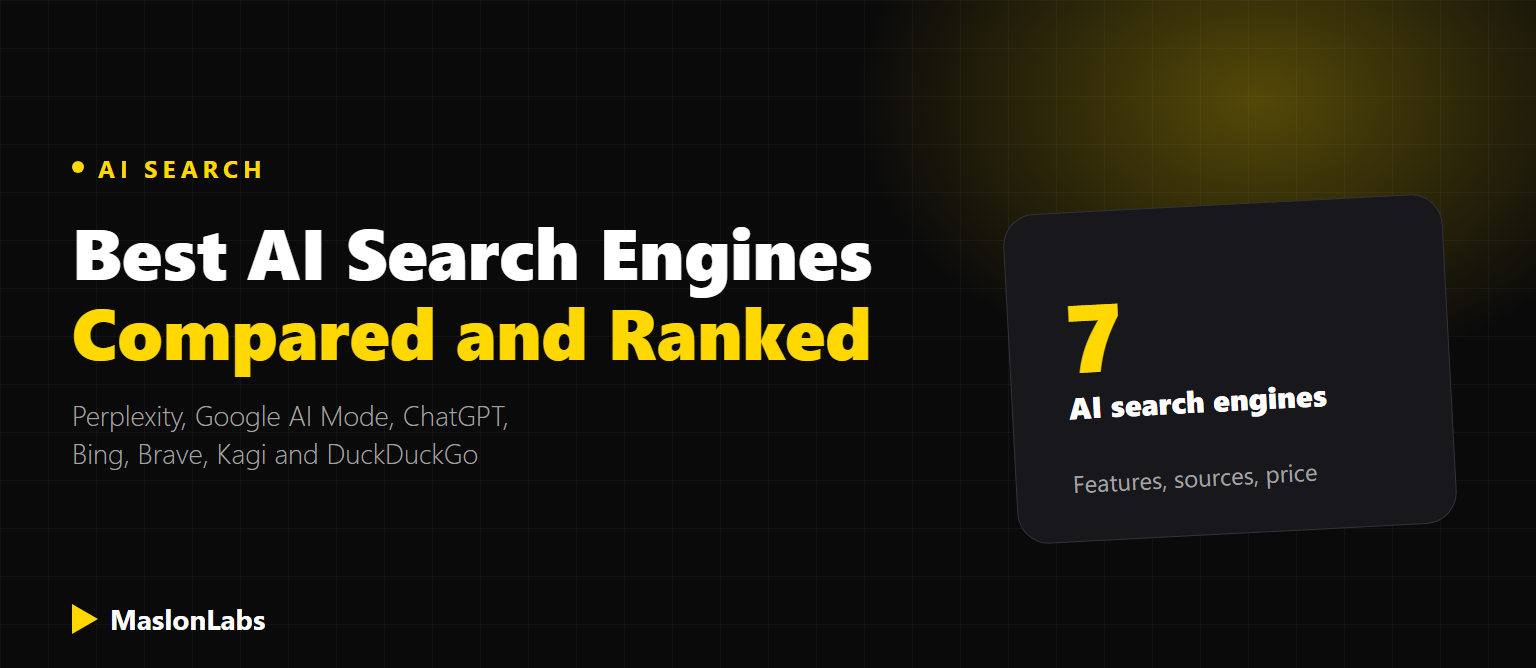
AI search engines answer your question directly instead of handing you ten blue links, usually with sources you can click to check. In 2026 there are more good options than ever: dedicated answer engines like Perplexity, AI modes inside Google and Bing, and privacy-first options from Brave, Kagi and DuckDuckGo. We compared seven of them by what they’re best at, what they cost and how they handle sources.
Quick Answer
The best AI search engine for most people is Perplexity for cited research, or Google AI Mode if you want it free inside the search engine you already use. Pick ChatGPT search if you already work in ChatGPT, Bing AI Mode for Microsoft users, Brave Search or DuckDuckGo for privacy at no cost, and Kagi if you’ll pay for ad-free search.
We checked each product’s official pages on November 13, 2026. AI search changes fast, so features and plans may have moved on since.
The Best AI Search Engines Compared
| # | AI search engine | Best for | Cites sources | Price |
|---|---|---|---|---|
| 1 | Perplexity | Cited research and fact-checking | Yes, inline on every answer | Free; paid Pro and Max |
| 2 | Google AI Mode | Everyday, local and shopping questions | Yes, links to sources | Free |
| 3 | ChatGPT search | Search inside the assistant you already use | Yes, when it searches | Free; paid Go, Plus, Pro |
| 4 | Bing AI Mode | Microsoft and Edge users | Yes, links to sources | Free |
| 5 | Brave Search (Ask Brave) | Private search with its own index | Yes, always | Free (ads); Premium removes ads |
| 6 | Kagi | Ad-free, customizable search | Yes | From $5/month |
| 7 | DuckDuckGo (Search Assist + Duck.ai) | Private, anonymous AI answers | Yes, one or two sources | Free; optional subscription |
1. Perplexity: Best for Cited Research
Perplexity is the AI search engine most people mean when they say “AI search”. It searches the web for every question and writes an answer with inline citations, so you can open the source behind each claim. Paid plans add models from several AI labs, deeper research, higher upload limits and Computer, an agent that builds apps, documents and tools for you. Perplexity also makes Comet, an AI browser for Mac, Windows, iOS and Android.
- Strengths: citations on every answer, current information, good follow-up questions
- Weaknesses: weaker than a full assistant for long writing or coding; the most useful features are on paid plans
Deciding between the two big names? Read our full Perplexity vs ChatGPT comparison.
2. Google AI Mode: Best Free All-Rounder
AI Mode is a conversational search tab inside Google Search, powered by Google’s Gemini models. You ask a complex question, it runs several searches in the background and writes a combined answer with links. Because it sits on top of Google’s index, Maps and Shopping data, it’s especially strong for local searches, products and everyday questions. It’s free and needs no account. It’s not the same as AI Overviews, the short AI summaries that appear above normal Google results.
- Strengths: free, huge index, strong for local and shopping
- Weaknesses: sources are less prominent than in Perplexity; tied to Google’s ecosystem and data practices
3. ChatGPT Search: Best Inside an AI Assistant
Web search is built into ChatGPT on every plan, including Free. ChatGPT decides when a question needs fresh information (or you ask it to search) and shows the sources it used. Its strength is what comes next: you can turn the results into a document, a table, code or an image without leaving the chat. If ChatGPT is already your main assistant, its search may be all you need.
- Strengths: search plus a full assistant in one place, works on the free plan
- Weaknesses: doesn’t search every question by default; the Go plan may include ads
4. Bing AI Mode: Best for Microsoft Users
Microsoft’s Copilot Search has evolved into two AI experiences on Bing: AI Mode, a conversational search that links to its sources, and AI Overview, a short sourced answer at the top of results. Both are “powered by Copilot technology”, and they fit naturally if you use Edge, Windows and Microsoft 365.
- Strengths: free, built into Edge and Windows, sourced answers
- Weaknesses: fewer reasons to switch to it if you don’t already use Microsoft products
Want AI search engines to cite your website?
Get a Free SEO & GEO Audit →5. Brave Search: Best Private Search With Its Own Index
Brave Search runs on its own independent index rather than renting results from Google or Bing. Its AI features, Ask Brave and Answer with AI, summarize results, and Brave says “information sources are always cited”. Search is free and ad-supported; Brave Search Premium removes the ads.
- Strengths: privacy-focused, independent index, always cites sources
- Weaknesses: smaller index than Google, so niche or local results can be thinner
6. Kagi: Best Paid, Ad-Free Search
Kagi is a paid search engine with no ads and no tracking. You can boost, lower or block sites in your results, and its AI features come through Kagi Assistant. Plans listed on its pricing page:
| Kagi plan | Price | What you get |
|---|---|---|
| Trial | Free | 100 searches and 100 Kagi Assistant interactions |
| Starter | $5/month | 300 searches, Kagi Assistant with Quick mode |
| Professional | $10/month | Unlimited searches, larger Assistant allowance |
| Ultimate | $25/month | Unlimited searches, Assistant with Research mode and flagship models |
Prices are before sales tax; annual billing is 10% cheaper.
7. DuckDuckGo: Best Free, Anonymous AI Answers
DuckDuckGo offers two AI features. Search Assist is an optional AI answer at the top of results, and its responses “always link directly to one or two sources”. Duck.ai is a separate private chat where you can use models such as Claude Haiku 5.5, Mistral Small 4 and GPT-6 Luna for free, with stronger models on its paid subscription. Both keep DuckDuckGo’s anonymous, no-tracking approach.
- Strengths: free, private, a choice of AI models
- Weaknesses: Search Assist answers are short and cite only one or two sources
How to Choose the Right AI Search Engine
| If you want… | Use |
|---|---|
| Answers you can verify, with sources on every claim | Perplexity |
| Free AI answers with no setup | Google AI Mode |
| To search and then write, code or create in one place | ChatGPT |
| AI search inside Edge and Windows | Bing AI Mode |
| Privacy and an independent index | Brave Search |
| No ads and full control over results | Kagi |
| Anonymous AI chat with several models | DuckDuckGo / Duck.ai |
Whichever you pick, treat AI answers as a starting point. Open the cited sources before relying on a number, a medical claim or a legal detail.
What AI Search Means for Your Website
Each of these engines picks a handful of sources to cite, and the pages they choose get the visibility and the clicks. They also find pages in different ways: Google AI Mode and Bing AI Mode use their search indexes, Brave uses its own, and Perplexity and ChatGPT run their own crawlers (PerplexityBot and OAI-SearchBot). If you block those crawlers in robots.txt, or hide content behind JavaScript that AI crawlers don’t render, you can drop out of their answers.
Start with our AI Crawler Checker, then read how to get cited by AI assistants and our list of the best AI visibility tools to track where you appear.
If you add an AI chatbot or AI-generated content to your own site, check the EU transparency rules too: EU AI Act Article 50 for website and app owners.
Frequently Asked Questions
What is the best AI search engine?
For most people, Perplexity is the best AI search engine for research because it cites sources on every answer. Google AI Mode is the best free option inside the search engine most people already use.
What is the best free AI search engine?
Google AI Mode, Bing AI Mode, Brave Search and DuckDuckGo are free. Perplexity and ChatGPT also have free plans with web search.
Which AI search engine is the most private?
DuckDuckGo and Brave Search are built around privacy and do not track your searches. Kagi is paid, ad-free and does not track users.
Is Google AI Mode the same as AI Overviews?
No. AI Overviews are short AI summaries above normal Google results. AI Mode is a separate conversational search experience for longer, more complex questions.
Do AI search engines cite their sources?
All seven engines in this list show sources. Perplexity and Brave cite sources on every answer, DuckDuckGo Search Assist links to one or two, and ChatGPT shows sources when it searches the web.
How do I get my website cited by AI search engines?
Let AI crawlers such as OAI-SearchBot and PerplexityBot access your site, make sure important content is in the HTML rather than loaded by JavaScript, and publish clear, specific answers to the questions your customers ask.