
“Vibe coding” — describing what you want in plain language and letting an AI write the code — is genuinely useful. It is not, on its own, the problem. The problem is what happens when a prototype built that way, in an afternoon, quietly becomes the live website a real business runs on, with none of the review a production site actually needs. Here is what that specifically looks like, not as a scare story, but as a list of concrete things worth checking.
Not sure what state your site is really in?
Get a Free Review →Where Vibe Coding Genuinely Works Well
To be clear about where this is actually a good idea: vibe coding is excellent for prototypes, internal tools, personal projects, and validating an idea before you invest real money in it. If you want to see whether a concept even makes sense before building it properly, describing it to an AI and getting something clickable in an hour is a legitimately good use of the tool. The trouble starts when that same output goes live as the permanent, public face of a business, unreviewed.
What Actually Goes Wrong on a Business Website
Independent security testing gives a concrete sense of scale here. Veracode’s 2025 GenAI Code Security Report tested AI-generated code from over 100 models against the OWASP Top 10 vulnerability categories.
45%
of AI-generated code samples failed basic OWASP Top 10 security tests in Veracode’s study — and cross-site scripting (XSS) specifically failed 86% of the time, the worst category tested.
On an actual business site, that tends to show up as a handful of very specific, very findable problems:
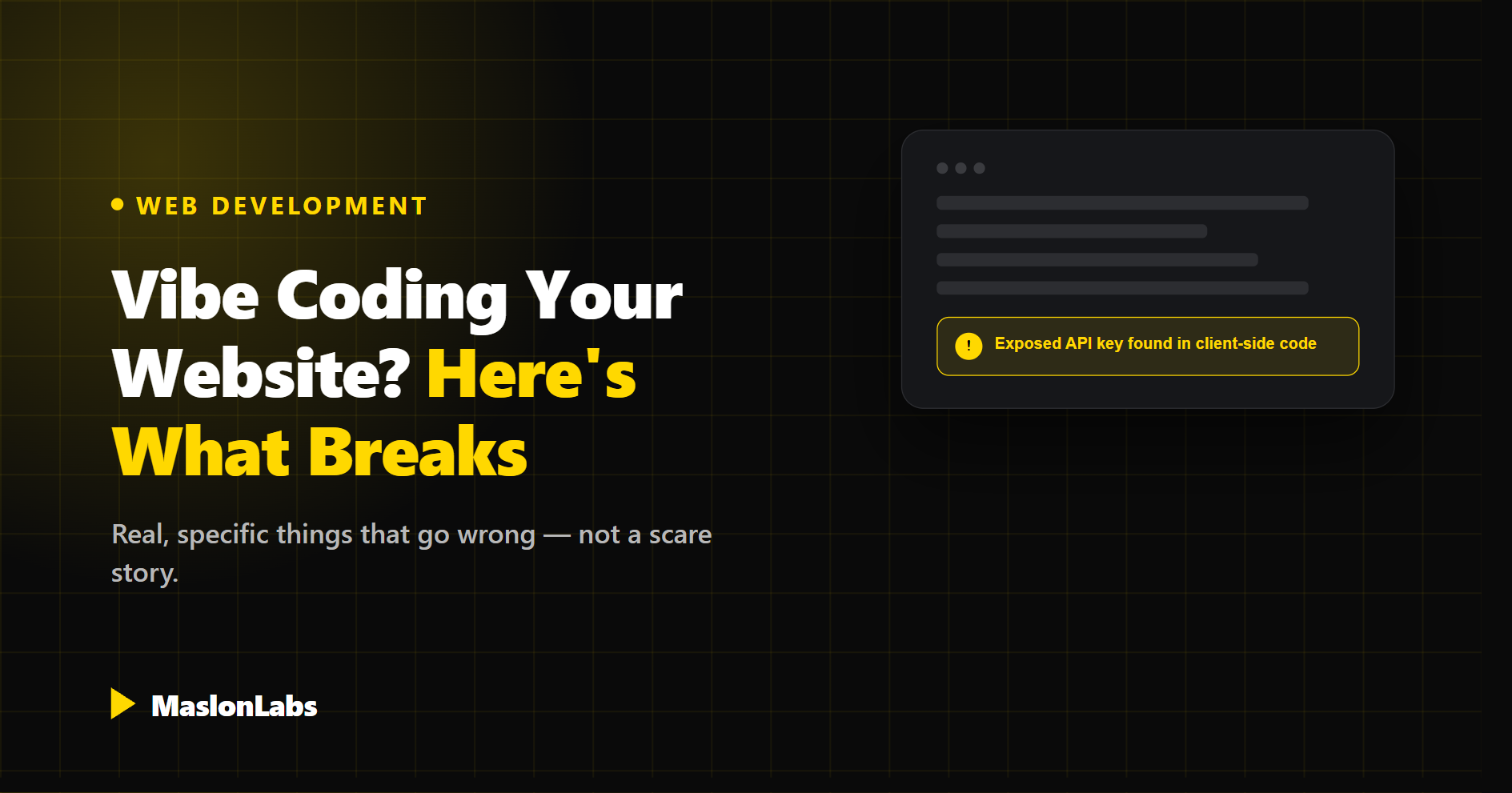
- Exposed API keys. A key for email sending, maps, or payments hardcoded directly into client-side code, visible to anyone who opens their browser’s dev tools.
- Contact and lead forms with no spam protection. No CAPTCHA, no honeypot field, no rate limiting — so the inbox fills with bot submissions within days of launch.
- Missing input sanitization. Fields that pass user input straight through, opening the door to cross-site scripting or injection issues.
- No real SEO foundation. Missing meta tags, no structured data, no sitemap — the page looks fine to a visitor but is nearly invisible to search engines.
- No accessibility basics. Missing alt text, poor color contrast, and keyboard navigation that silently breaks.
- Nobody who can maintain it. If it lives in a chat history instead of a real Git repository, an ordinary future change means starting over rather than editing what exists.
A Simple Way to Check Your Own Site
None of these require a professional audit to spot the obvious cases. Fifteen minutes and a browser will surface most of it:
Quick Self-Check
[object Object]
[object Object]
[object Object]
[object Object]
For a more complete pass, our GEO Self-Audit Checklist covers the technical and content side in more depth.
When It’s Worth Bringing In a Developer
This isn’t a blanket “always hire a professional” argument. A few concrete signals are worth acting on specifically:
- The site handles real customer data, payments, or accounts — not just a static page.
- It’s the primary way customers find and trust the business, not an internal or personal project.
- You’re planning to add features over time, not just publish once and leave it.
- Nobody on the team can read or maintain the code it’s built from.
If none of those apply, a vibe-coded site is probably fine as-is. If more than one does, it’s worth a second look before something breaks in a way that costs more to fix than it would have to build correctly the first time.
Not Sure Where Your Site Stands?
We’ll look at what you’ve already built, free.
Whether you vibe-coded a prototype or inherited a site from somewhere else, we can tell you honestly what’s fine to keep and what’s worth fixing before it costs you.
Frequently Asked Questions
Is vibe coding safe for a business website?
It depends what the site does. For a simple informational page, it can be fine with a basic review. For anything handling customer data, payments, or lead forms, the security gaps found in independent testing (like Veracode’s 45% OWASP Top 10 failure rate) make an unreviewed vibe-coded build a real risk.
How do I know if my vibe-coded site has an exposed API key?
Open your browser’s developer tools on your own site (F12 in most browsers), go to the page source or network tab, and search for “key,” “secret,” or “token.” If a real credential shows up in plain text, it is visible to any visitor.
Can a vibe-coded site rank in Google or get cited by AI search?
Only if it has the technical SEO fundamentals in place — meta tags, structured data, a sitemap, and reasonable page speed. These are commonly skipped in a quick AI-generated build and need to be checked separately.
Do I need to rebuild my whole site, or can specific parts be fixed?
Usually the latter. Exposed keys, missing form protection, and SEO gaps can typically be patched without a full rebuild, as long as the underlying code is in a real, editable codebase rather than trapped in a chat history.
Is it worth vibe coding a prototype before hiring a developer?
Yes — using it to validate an idea quickly, then handing a working prototype to a developer to build the production version properly, is a genuinely good use of the tool.
How do I get an honest read on my current site?
Tell us about it on our contact page and we’ll take an honest look at what’s worth keeping and what’s worth fixing.
None of this is an argument against using AI to build things fast. It’s an argument for looking at what it actually produced before real customers start relying on it.